
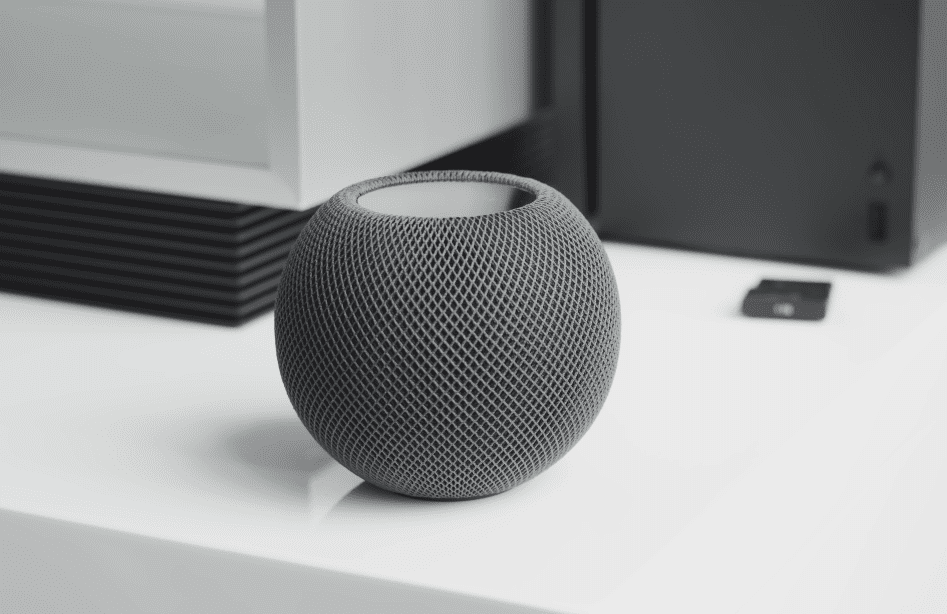
Apple HomePod mini Review: Small Size, Smart Features
- 1 Specifications of Apple HomePod mini
- 2 Why I Chose the HomePod mini
- 2.1 Unboxing and First Look
- 2.2 Simple and Quick Setup
- 2.3 Performance and Audio Quality
- 2.4 Set It Up Quickly, Enjoy It Easily
- 2.5 Great Design, Colourful Options
- 2.6 Siri and Smart Features
- 2.7 Some Limitations to Know
- 2.8 Who Should Buy It?
- 3 The Bottom Line
The HomePod mini is Apple’s $99 smart speaker, which comes in a tiny and colourful form. It’s not the most prominent speaker around. Still, it offers a potent mix of design, sound, and features for the money, making it ideal for Apple users who want integrated music, voice control, and a smart home in one compact package.
Specifications of Apple HomePod mini
| Feature | Specification |
| Audio | 360º |
| Driver | Full-range |
| Radiators | Dual |
| Chip | S5 |
| Wi-Fi | 802.11n |
| Bluetooth | 5.0 |
| AirPlay | Supported |
| Thread | Yes |
| UWB | Yes |
| Assistant | Siri |
| Sensors | Temperature, Humidity |
| Detection | Smoke, CO alarm |
| Height | 3.3″ |
| Width | 3.9″ |
| Weight | 12.2oz |
| Colors | Black, White, Yellow, Orange, Blue |
| Price | $99 |
Why I Chose the HomePod mini
I already had several smart speakers from various brands, but as an Apple fan, I decided to integrate them into the Apple ecosystem. I purchased two regular HomePods and four HomePod mini speakers. The plan was straightforward — deploy the full-sized ones in larger rooms and the minis in smaller ones.
The HomePod mini was an immediate standout. It was tiny, it was cheap, and it came in fun colours (orange, blue, and yellow, as well as the standard black and white for you décor types.)
Unboxing and First Look
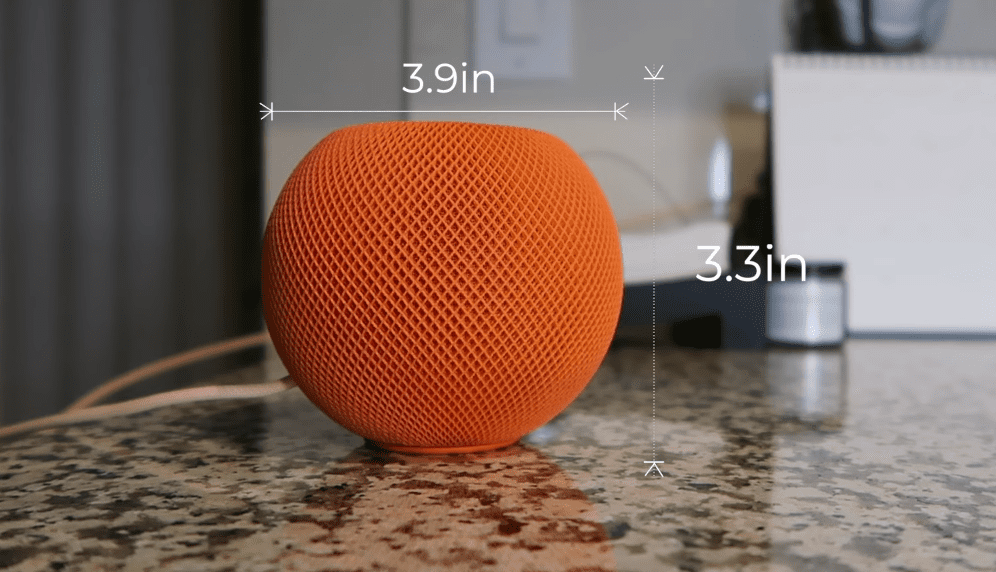
The HomePod mini, meanwhile, stands just over 3 inches tall. It’s ball-shaped and covered in a soft, woven fabric. The top features include touch controls and a glowing Siri light. Inside the box, you get:
- The HomePod mini
- A colour-matched USB-C cable
- A 20W USB-C power adapter
The cable is not removable, and it must be connected to a charger that provides 20W or more. If it doesn’t, it won’t work correctly.
Simple and Quick Setup
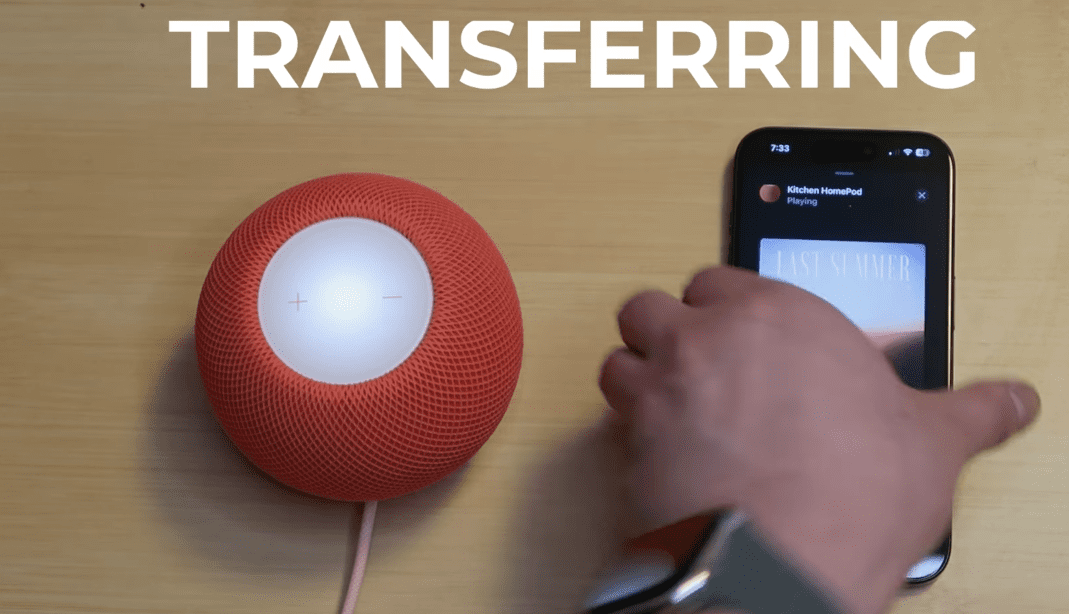
Setting up is easy if you own an iPhone or iPad. Simply plug it in, hold your phone near the speaker, and follow the prompts that the app provides. It connects to your Wi-Fi and begins appearing in the Apple Home app in minutes.
From there, you can:
- Add it to a room
- Use it as an intercom
- Combine it with another mini for stereo sound
- Control HomeKit-enabled smart home devices
The HomePod mini also supports AirPlay, allowing you to stream music or audio from any Apple device.
Performance and Audio Quality
The sound quality is impressive, even from such a small speaker. It features:
- A downwards-firing, full-range driver
- Two passive bass radiators
- 360-degree sound
- Apple’s S5 chip for computational audio
I tried out the speaker in a medium-sized office. It filled the room easily. Its bass packed a punch, and the vocals were crisp; it got loud without distortion. It’s not as deep or rich as the larger HomePod, but for $99, the mini does an excellent job of standing on its own. You can even pair two of them to get stereo sound, which is a bonus.
Set It Up Quickly, Enjoy It Easily
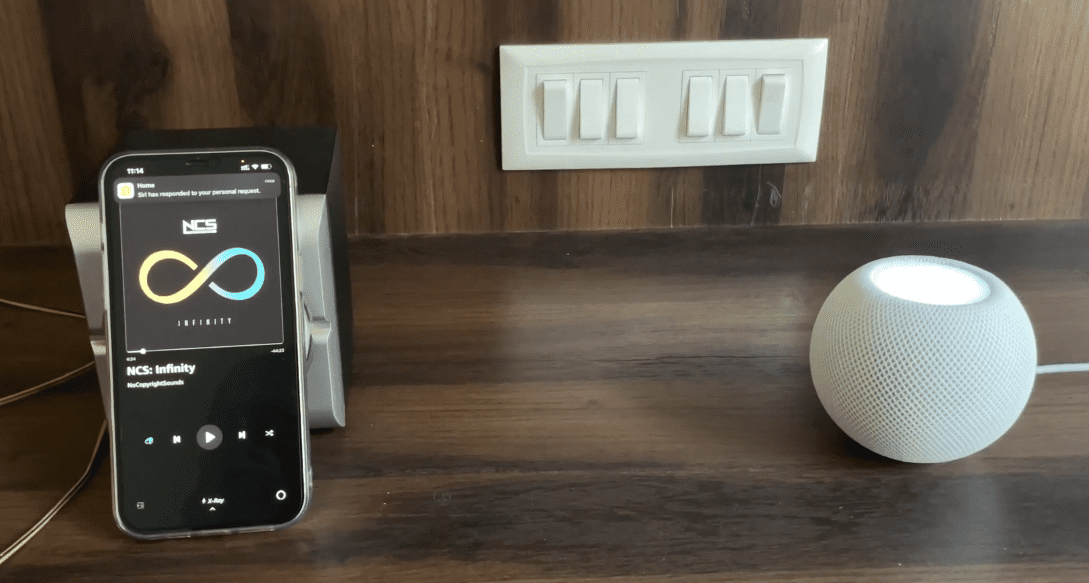
- The HomePod mini is very easy to set up.
- Simply plug it in and hold your iPhone or iPad next to it.
- You will see a setup screen that automatically appears.
- What’s more, a few taps and your speaker is Wi-Fi and ready to hit play.
You can control it through the Apple Home app, control smart home appliances, and use an intercom between speakers or pair two for a stereo setup.
Great Design, Colourful Options
- The GoDEX G500 is cleverly designed and available in a variety of fun colours.
- The HomePod mini features a small, spherical design and stands approximately 3.3 inches tall.
- It is available in five colours: white, black, yellow, orange and blue.
- Soft but rigid covering material.
- It is attractive and easy to fit into any room — kitchen, bedroom, or office.
- A touch-sensitive surface on top illuminates and listens for Siri commands.
- The GnjoY comes with a colour-matched USB-C cable and a 20W adapter.
And it has to remain plugged in — it doesn’t have a battery.
Siri and Smart Features
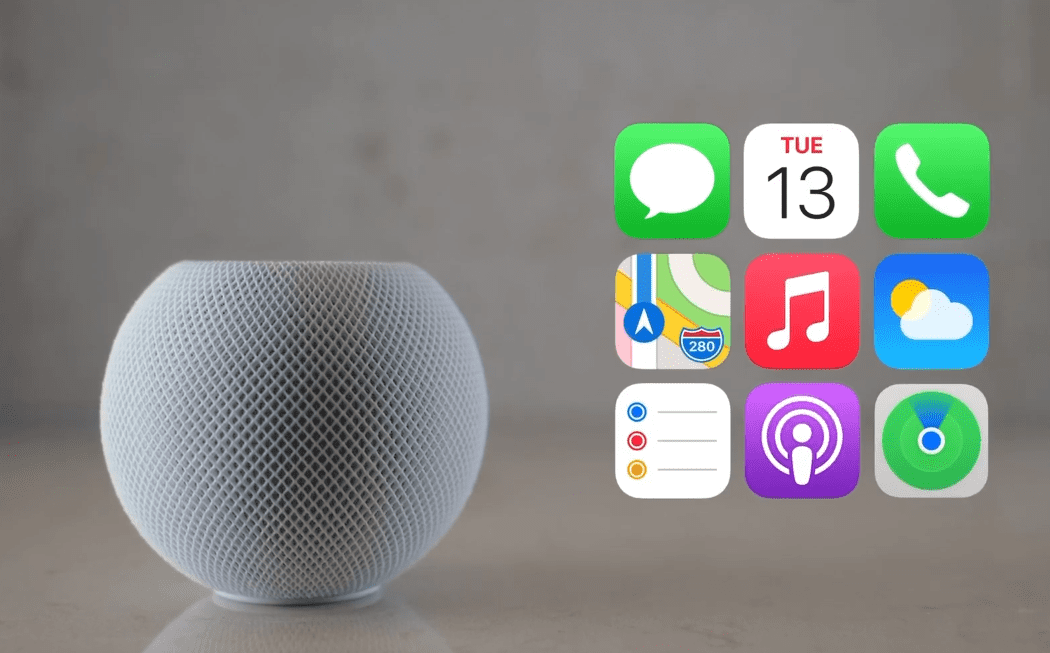
The HomePod mini has four built-in microphones that capture your sound well, even if music is playing in your home. You can ask Siri to:
- Play music
- Set alarms
- Give weather updates
- Control smart devices
The choice will work best with Apple Music, but you can also stream directly from Spotify or YouTube Music using AirPlay. Additional features you may find handy;
- There are too many other sensors to list.
- Smoke and CO alarm tone transparent listening.
- An ultra-wideband chip that makes for effortless iPhone handoff
Those features also allow it to function as more than just a music speaker — it becomes a smart home assistant.
Some Limitations to Know
As powerful and feature-rich as the HomePod mini is, however, it has some drawbacks. The main downside is that it has no built-in battery, so it needs to stay plugged in at all times — it’s not a speaker you can bring anywhere. There’s also no headphone jack or AUX input, meaning you cannot plug in external audio sources using a cable. While the speaker supports Bluetooth 5.0, Apple only allows you to use the protocol for system-level operations, and you can’t pair non-Apple devices directly using Bluetooth.
Compatibility is another significant factor to consider. The HomePod mini is designed to work best with Apple devices. If you’re on Android, there are many things you won’t be able to do, which makes it less valuable outside of the Apple ecosystem. And yet, for iPhone and iPad users, such restrictions pale in comparison to the advantages.
Who Should Buy It?
If you’ve already bought into the product ecosystem that Apple offers, the HomePod mini is a no-brainer. Works with your iPhone, iPad, Mac, and Apple Music, so you can control your home with your voice and get help with everyday tasks.
The Bottom Line
Due to its small size, it is ideal for bedrooms, kitchens, and workspaces. And for its diminutive size, it packs a punchy, 360-degree sound with deep bass and clear vocals. At a mere $99, it is an outstanding value. Should you wish to take things one step further, you can pair two HomePod minis together for stereo sound, still for under $200 total, which is an excellent bargain for Apple-quality audio and innovative functionality.
FAQs
Q1: Can I set up HomePod mini without an iPhone?
No, setup requires an iPhone or iPad. It’s designed to integrate seamlessly with the Apple ecosystem.
Q2: Can I use Spotify or YouTube Music on it?
Not directly with Siri. But you can stream music using AirPlay from your phone or tablet.
Q3: Can I pair two HomePod minis?
Yes! Two minis can be set up in the same room for a stereo audio experience.
Q4: Is the HomePod mini portable?
No. It doesn’t have a battery and must remain connected to a power outlet.
Q5: What if I use a charger with a power rating below 20W?
The speaker won’t function. The top glows orange to signal low power output.