HP EliteBook 840 G6 Review: Still Worth Buying in 2026?
I must admit that initially, I was pretty close to just throwing the HP EliteBook 840 G6 away without even trying. Unveiled back in 2019, a business laptop coming after the 2026 model might be something of a fairy tale, don’t you think?
Frankly, it is. However, after reading hundreds of real user reviews, based on real-world use reports, and at the same time comparing every refurbished listing I found on Back Market, HP Renew, and eBay, I have completely changed my opinion regarding it. This computer has held up incredibly well over time. Since you are the type of buyer who is really into the refurbished market under $300, trust me, the EliteBook 840 G6 would indeed be a great choice for you.
Here are all the necessary details packed in a single article for you to make the most of your money.
Quick Verdict
Overall Rating: 8.2/10
Ideal For
Students, remote workers, freelancers, small business teams, and budget-conscious buyers who prioritize reliable daily productivity
Not Ideal For
Video editors, graphic designers, gamers, and generally anyone who requires 12+ hour battery life or modern port standards such as USB4
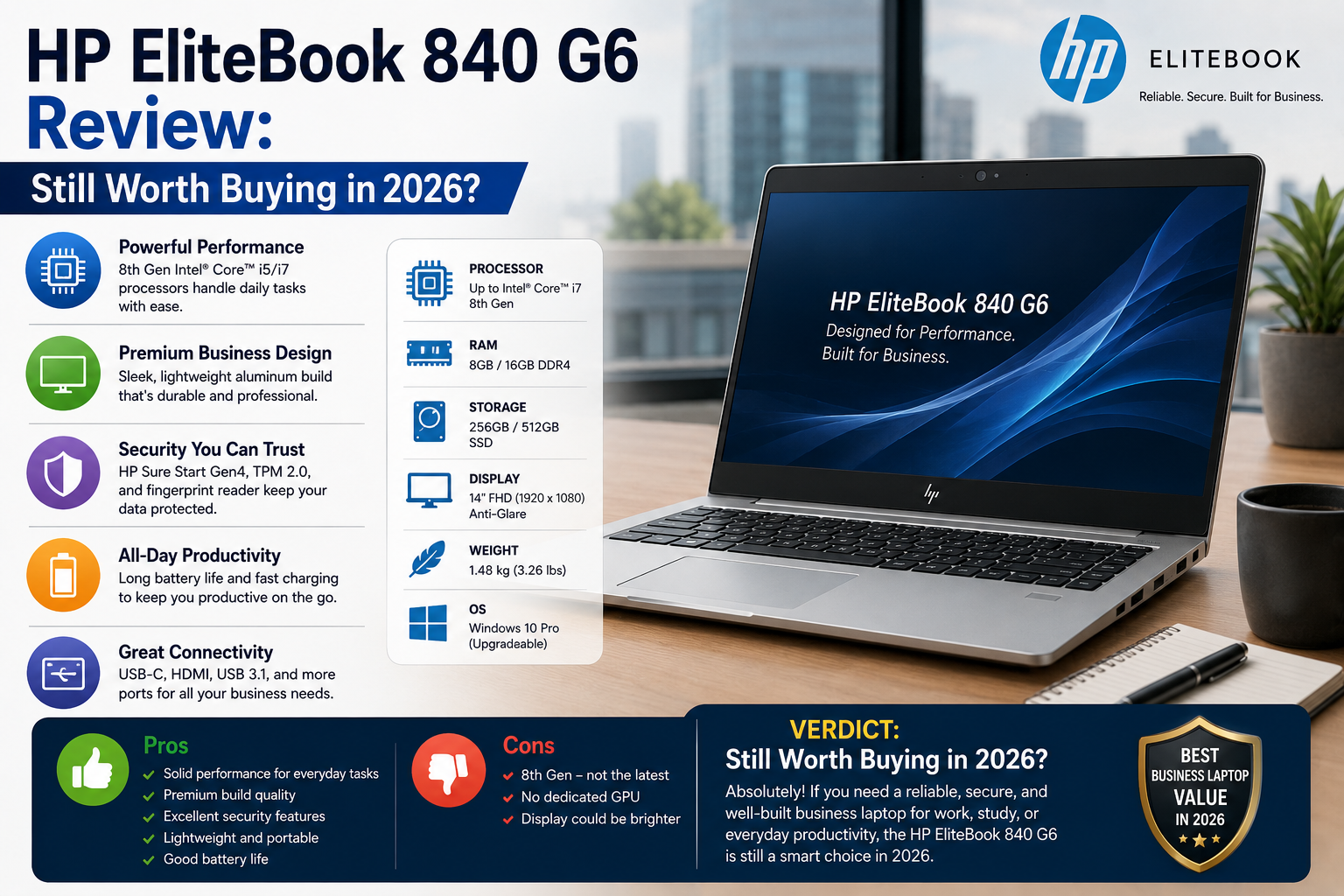
Specifications of HP EliteBook 840
| Specification | Details |
| Released | 2019 |
| Processor Options | Intel Core i5-8265U, i5-8365U, i7-8565U, i7-8665U, i7-8650U (8th Gen Whiskey Lake) |
| vPro Options | i5-8365U, i7-8665U (enterprise manageability) |
| RAM | Up to 32GB DDR4-2400 (2x SODIMM slots) |
| Storage | M.2 2280 PCIe NVMe SSD (256GB / 512GB / 1TB); no SATA M.2 support |
| Display | 14-inch FHD (1920×1080) IPS Anti-Glare; optional UHD (3840×2160); optional HP Sure View Gen3 privacy screen |
| Brightness | 250 nits (standard) / 400 nits (high-bright) / 1000 nits (Sure View) |
| Graphics | Intel UHD Graphics 620 (integrated); optional AMD Radeon RX 550X (2GB GDDR5) |
| Ports | 2x USB-A 3.1 Gen1, 1x Thunderbolt (USB-C), 1x HDMI 1.4b, 1x RJ-45, 1x headphone jack, 1x docking connector |
| Wireless | Wi-Fi 6 (802.11ax), Bluetooth 5.0; optional LTE/WWAN |
| Security | HP Sure Start Gen5, HP Sure Click, TPM 2.0, fingerprint reader, optional Smart Card reader, optional IR camera |
| Battery | 50Wh (standard) / 56Wh (long-life) |
| Weight | From 1.35 kg (2.98 lbs) |
| Dimensions | 32.49 x 22.76 x 1.65 cm |
| OS Support | Windows 10 Pro (original); Windows 11 Pro compatible |
| MIL-STD | MIL-STD-810G tested |
Build Quality and Design
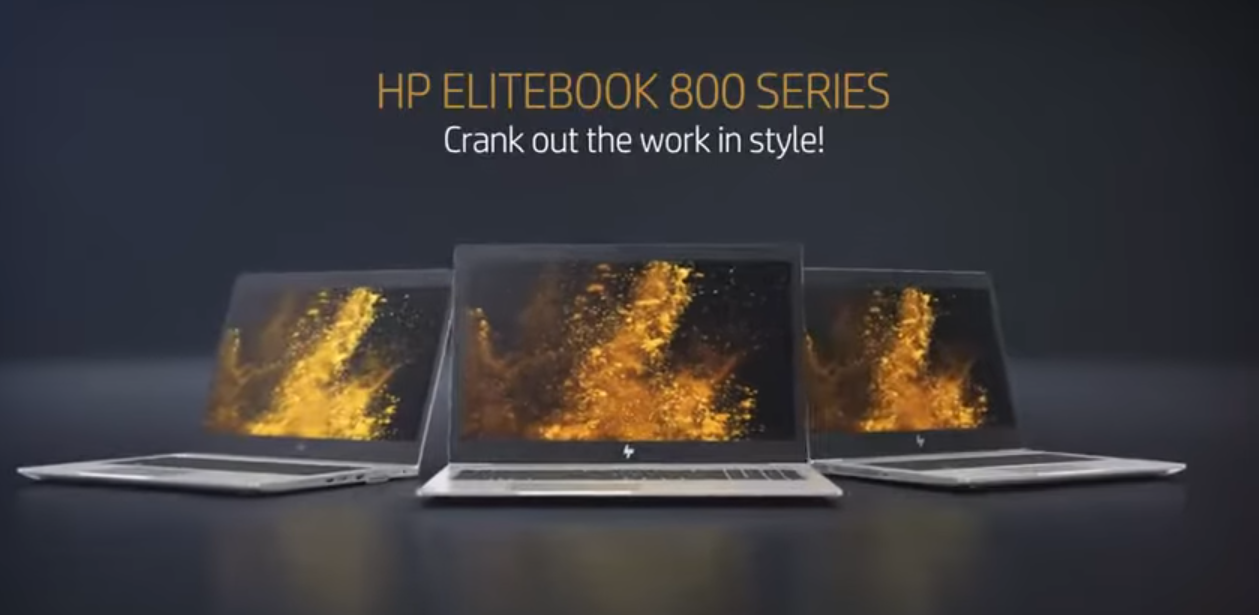
This is the very reason that the 840 G6 remains relevant even in the year 2026. The full aluminium frame not only looks but also feels premium, not in the way that lower-end laptops are ‘nice plastics’ pretending, but in the way the cold, solid, and hardly bending machined aluminium alone can deliver. You just have to pick it up, and it’s clear at a glance why huge numbers of these were deployed by enterprise IT departments.
Weighing 1.35 kg, it is very mobile. The slender 1.65 cm thickness makes it very easy to put in a bag. MIL-STD-810G certification assures that it has been at least subjected to tests for drops, vibrations, humidity, and extreme temperatures; it’s definitely not just advertising words. Actual durability in the field has consistently matched these tests.
Display
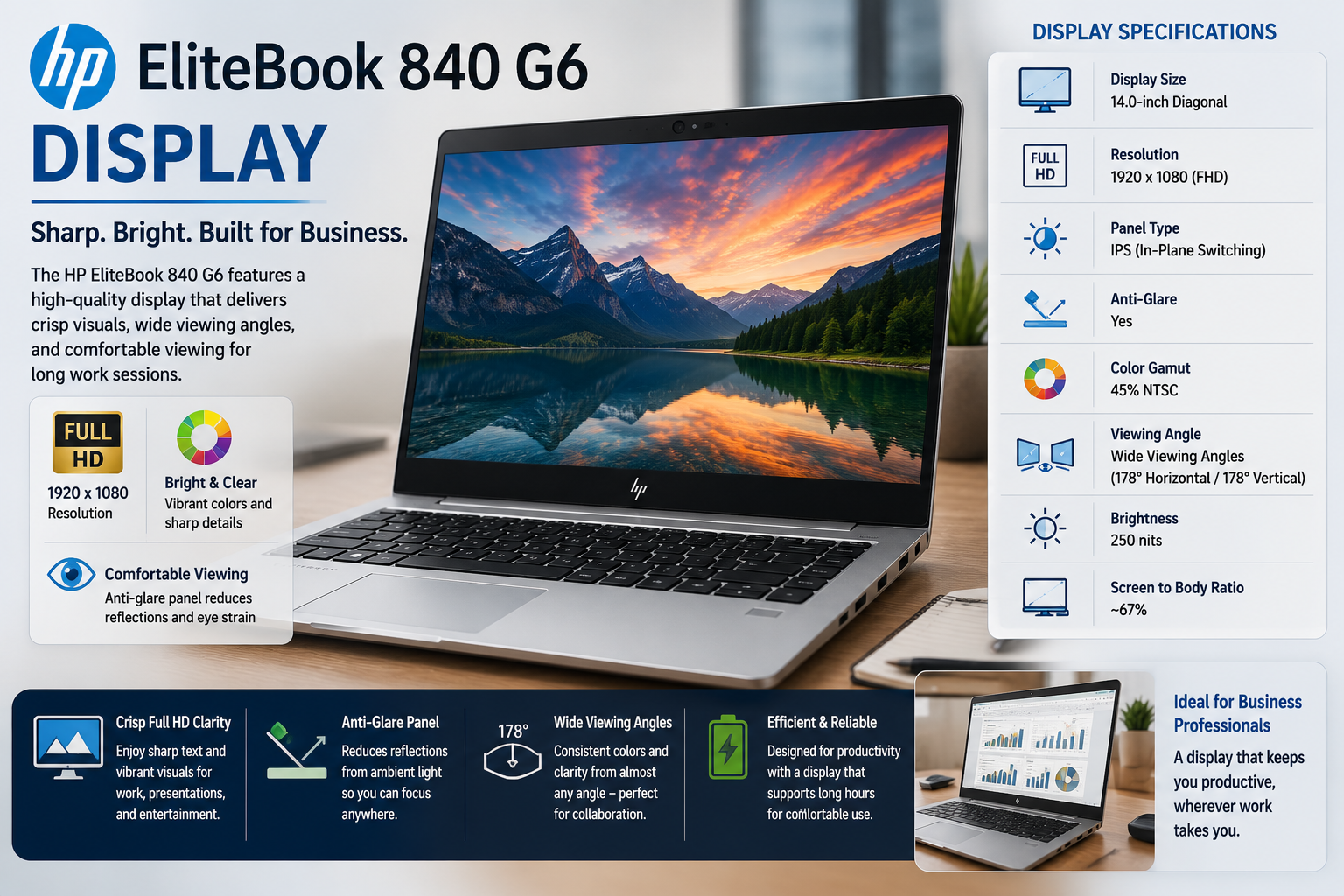
The 14-inch standard FHD IPS panel is frankly the highlight of how much the G6 has fallen behind. It hits 250 nits in the base model, and even with that, it won’t manage well in bright outdoor neighborhoods. The 400-nit brighter display is miles better and definitely something to look for in refurbished ones.
Colour consists of roughly 94% sRGB, which is not only productive but also pretty comfortable for long work sessions. Viewing angles are very good. IPS panels do not have the washed-out look on the sides that old TNs did. For spreadsheets, documents, video calls, and browser work, it will be more than enough.
Keyboard and Touchpad
One of the biggest reasons to purchase this device is the keyboard. Not only is the keyboard spill-resistant and backlit, but it also delivers a level of travel and tactile feedback that most other laptops under $800 cannot even come close to matching. Thanks to many years of use in thousands of enterprise deployments, it still manages to get high marks in buyer reviews. Working on your computer for long hours will not be a problem.
The touchpad works very well, and it’s also very responsive. While it isn’t a glass haptic type, that is actually not necessary. It moves smoothly, and you won’t get any unintentional palm movements coming through. The physical click feels solid and is very exact.
Also Read- HP Victus 16 (2023) Review
Battery Life
You can get 7 to 9 hours on the standard 50Wh battery, under real-life mixed workloads of documents, browser tabs, and video calls. The 56Wh long-life configuration gives you a bit more. These numbers are very reasonable for a device of this generation.
The honest warning is that refurbished units usually come with degraded batteries. Always check the battery health before buying. If a unit shows less than 70% of the original capacity, it will give you significantly shorter runtimes.
Performance for Everyday Use
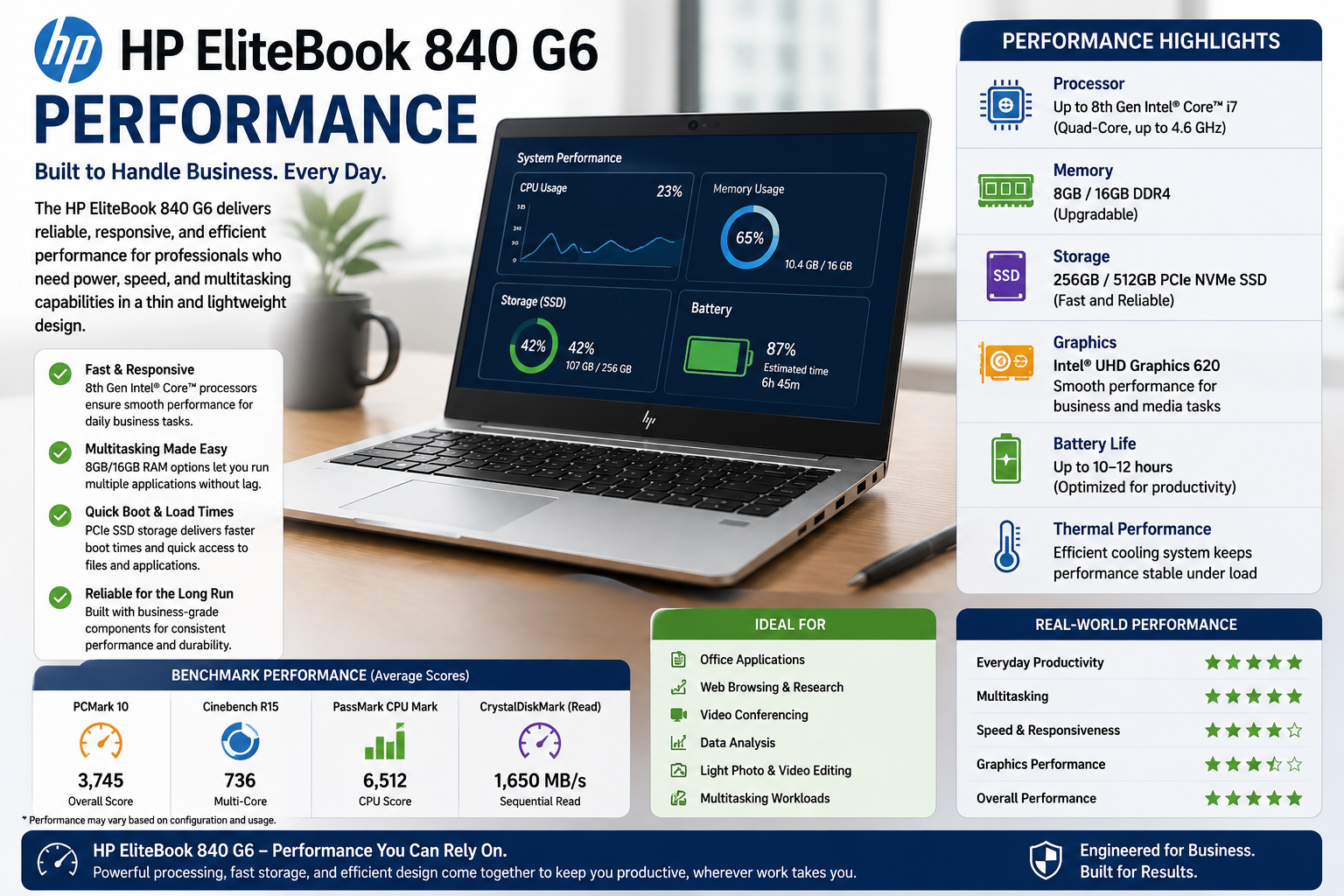
When this laptop was designed, for the types of work it can handle, Office software, video meetings, web browsing, email, cloud tools, the processors i7-8565U and i5-8365U still do the job well. Using an NVMe SSD, the computer starts up very quickly. Multitasking with 16GB RAM can manage 15 to 20 browser tabs quite easily, besides active Office files.
The problem areas include: a single or multiple video editing sessions exported over time, very large Photoshop files, or any continuous CPU-intensive workload resulting in the laptop heating up and slowing down due to thermal throttling.
Gaming: Totally off the map for this one. Intel UHD Graphics 620 can run casual games and older titles at low settings. The optional AMD Radeon RX 550X gives slightly better performance, with the ability to play lighter titles, but buying this machine with the expectation of gaming performance would be a mistake. It’s a business laptop.
Pros and Cons of HP EliteBook 840
| Pros | Cons |
| Premium aluminium build that lasts | The processor generation is six years old |
| Certified durable to the MIL-STD-810G standard | The base 250-nit display is still weak in bright conditions |
| Enterprise-class security features (Sure Start, Sure Click, TPM 2.0) | Most configurations come without a dedicated GPU |
| Great keyboard with nice travel and tactile feedback | The battery may develop capacity loss in units that are refurbished and uncertified |
| Wi-Fi 6, the latest industry-wide wireless standard | HDMI 1.4b restricts external display bandwidth |
| Thunderbolt port and dedicated docking connector available | Under heavy and prolonged workloads, thermal throttling may occur |
| Compatible with Windows 11 | No SATA M.2 support, only NVMe SSD |
| Fairly light at 1.35 kg | RAM cannot be increased beyond 32GB |
| You can find refurbished models at around $200 to $350 | Some older models exhibit keyboard wear |
Final Verdict
The HP EliteBook 840 G6 should have been a thing of the past in 2026, yet it isn’t, and for a good reason, too. The hardware, security design, keyboard, and Wi-Fi 6 compatibility have all stayed relevant much more than the generation of the processor indicates.
Especially for students, freelancers, and remote workers who want a sturdy, professional-grade productivity machine under $300, a certified refurbished model with 16GB RAM and a verified NVMe SSD is still a wise, low-risk investment. Simply go for certified. Check the battery. Don’t go for the bargain-bin listings. If you do all. The above is that the G6 brings real value that many new budget laptops simply cannot offer.
FAQs
-
Is the HP EliteBook 840 G6 capable of running Windows 11?
Nothing is stopping it. The 840 G6 ticks all the boxes for running Windows 11, TPM 2.0, Secure Boot, and compatible 8th-gen Intel processors, plus HP actually supports Windows 11 full driver on this model.
-
How many RAM slots are on the HP EliteBook 840 G6?
Two SODIMM slots supporting up to 32GB DDR4-2400 total. Most refurbished models come with 8GB or 16GB, and upgrading the RAM is a simple task that could drastically boost your multitasking abilities.
-
What should I check when I want to buy a refurbished HP EliteBook 840 G6?
Focus on Grade A or Certified Refurbished units that have been tested for battery health, include an NVMe SSD, and are Windows 11 Pro. Stay away from sellers that advertise 12th-generation processors, which is a physical impossibility on this laptop’s motherboard.
-
Could the HP EliteBook 840 G6 be a good student laptop?
Absolutely, probably the best refurbished laptop under $300 for students. Its solid build, excellent keyboard, nice display, and lightweight make it perfect for lectures, note-taking, research, and online collaboration.