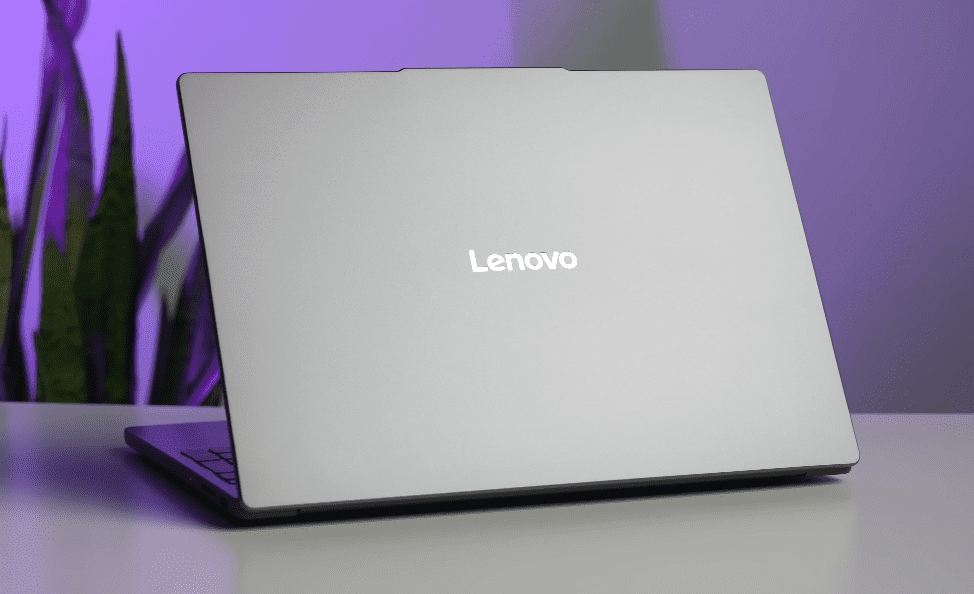
Lenovo IdeaPad 3 14 Review: The Budget Laptop That Punches Above Its Weight
When searching for a budget-friendly laptop, it can be challenging to keep track of all the available options. Many names sell devices with similar specs at reasonable prices, which makes it difficult to choose one that stands out. But when it comes to cheap computers, the Lenovo IdeaPad 3 14 stands out. This laptop has a lot more to offer than you might think, thanks to its powerful speed and up-to-date features, all for less than $600.
At first glance, the Lenovo IdeaPad 3 14 looks like just another cheap laptop. However, it is actually quite powerful and comes with a solid build, many modern conveniences, and a surprisingly low price. Anyone can use this laptop for their daily computer needs; students, remote workers, and casual browsers will all find it more than sufficient. Typically, only more expensive models offer these extra features.
Key Specifications of the Lenovo IdeaPad 3 14
| Feature | Specification |
| Processor | AMD Ryzen 5 5500U |
| Processor Speed | 2.1 GHz |
| RAM (as Tested) | 8 GB |
| Storage | 256GB SSD |
| Display Size | 14 inches |
| Resolution | Full HD (1920 x 1080) |
| Weight | 3.3 lbs (1.5 kg) |
| USB Ports | 2 x USB-A, 1 x USB-C |
| Audio | 720p webcam, speakers |
| Operating System | Windows 10 |
Design and Build Quality
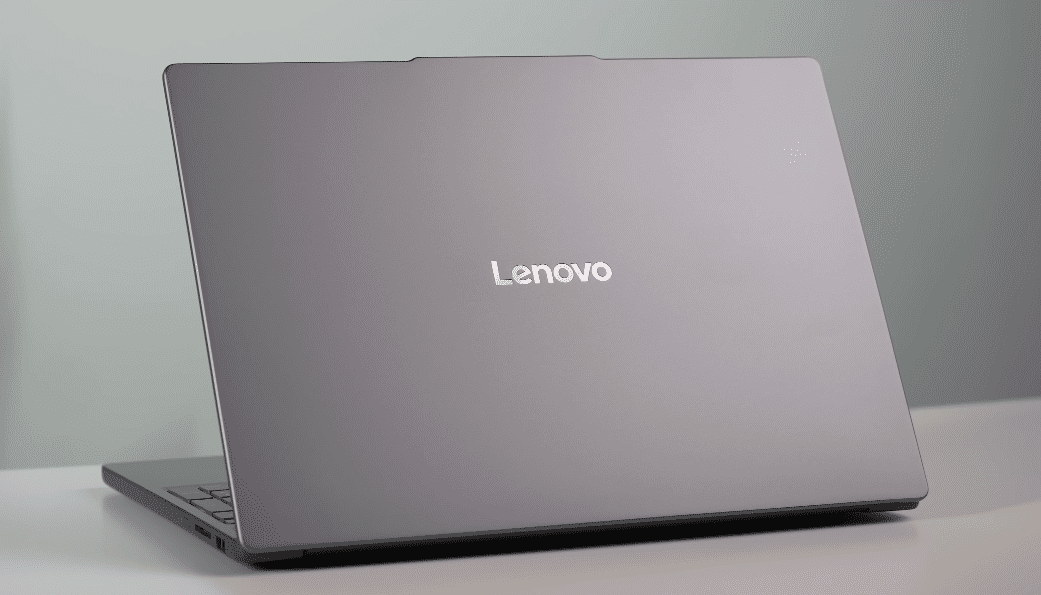
When you pick up a Lenovo IdeaPad 3 14, you can tell right away that it is well-made. The IdeaPad 3 14 doesn’t feel cheap like most cheap computers these days. The unique blue coating on the strong frame makes it look like a high-end car. It’s ideal for professionals or students who are always on the go because it’s small (0.78 inches) and light (just over 3 pounds).
Also Read – Lenovo Legion Slim 5i Gen 8: A perfect gaming Laptop for your unique setup
Despite its plastic construction, the laptop maintains its strength and build quality. The style is modern and useful, and the surface is smooth and shiny. For everyday use, this tablet is great because the keyboard and touchpad are quick and easy to use.
Performance: AMD Ryzen 5 5500U CPU
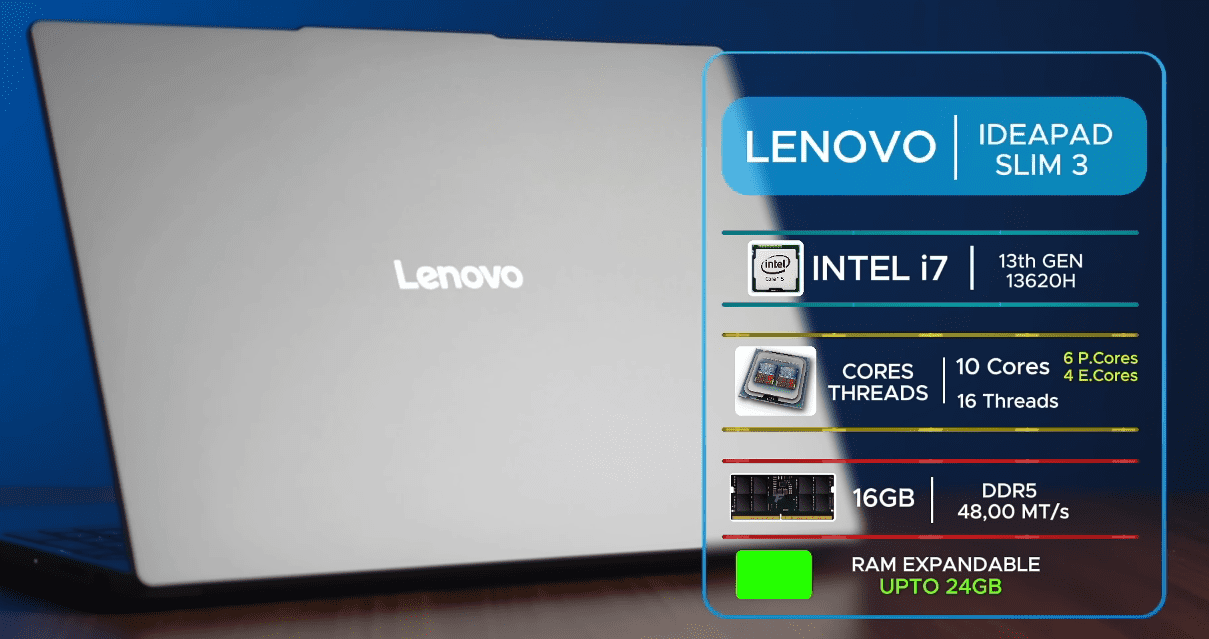
The AMD Ryzen 5 5500U processor in the Lenovo IdeaPad 3 14 provides ample power for daily tasks such as web browsing, paper writing, and video watching. This CPU has 6 cores, 12 threads, and a basic clock speed of 2.1 GHz, so it can handle multiple tasks and heavy workloads without any visible slowdowns.
The IdeaPad 3 14 did very well in our tests, especially given how cheap it was. It can handle office tasks and easy multimedia projects with no trouble. When it came to productivity numbers like PCMark 10, the laptop did better than many of its cheaper competitors. It performed better than other devices in the same price range when it came to HandBrake transcoding.
Our review model comes with 8GB of DDR4 RAM, which is more than enough for most people. However, if you’re not afraid to upgrade, you can get 12GB of RAM by swapping out one of the two unsoldered 4GB RAM sticks for an 8GB stick.
Display and Visual Experience
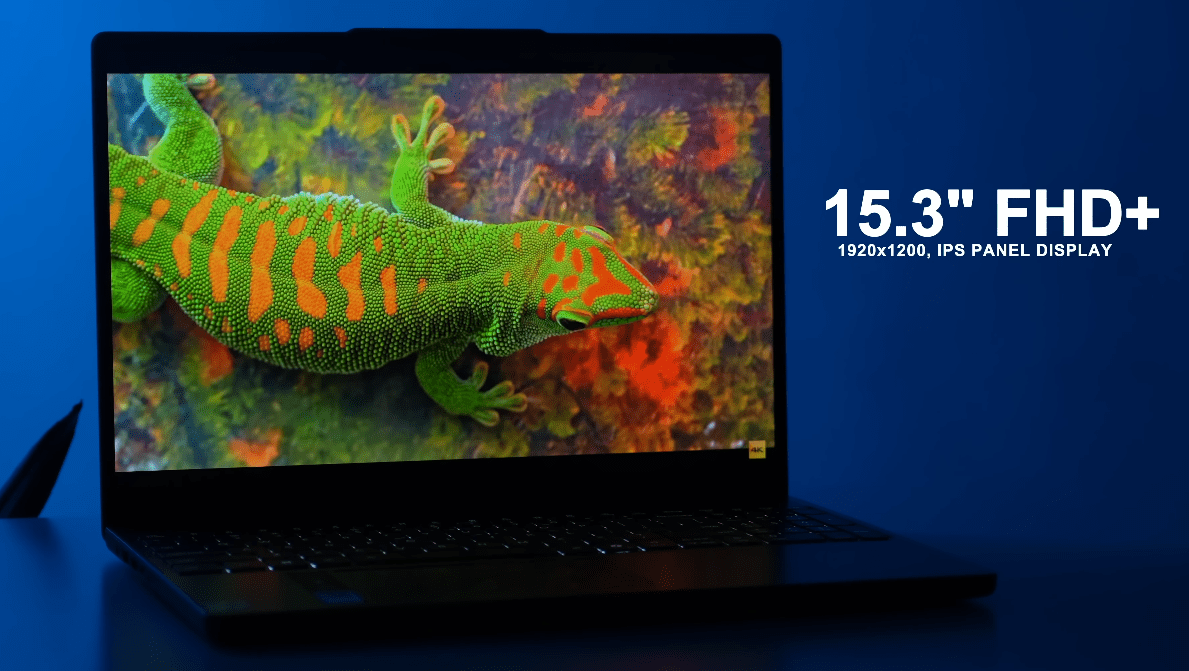
The IdeaPad 3 14’s 14-inch Full HD display offers excellent value for its price. It shows colours pretty accurately, and it’s bright enough for most indoor settings. The screen is surrounded by thin frames that give it a modern look. The screen is bright enough for normal use, but it might not work as well in places with a lot of light.
The screen is fine for everyday use, but it’s not as bright or lively as screens on more expensive phones. It also doesn’t have the advanced colour accuracy features that you’d find on a high-end computer or in picture editing software. Still, considering how cheap it is, the screen is a fantastic deal.
The laptop has an Eye Care Mode that can help ease the pressure on your eyes from too much blue light. This mode alters the colour temperature. This new feature will be useful for people who spend a lot of time at a computer.
Keyboard and Trackpad
The Lenovo IdeaPad 3 14’s keyboard is comfortable to type on because the keys move easily and feel good. People who type for long amounts of time will like how responsive and quiet it is. The fingerprint reader that is built into the power button is a wonderful feature that adds an extra layer of security and makes logging into the device even easier.
The mouse doesn’t jump or move slowly. While it’s not as big as the ones on high-end computers, it’s more than enough for everyday tasks like clicking, scrolling, and opening apps. The IdeaPad 3 14 does have some problems, though. The speakers are among them. It’s not enjoyable to watch movies or listen to music with these headphones because they don’t have enough bass and sound hollow. For the best sound clarity, you should use headphones or an external speaker.
Ports and Connectivity
The IdeaPad 3 14 is the best laptop for you if you want a flexible one with lots of USB ports. It has one USB 3.0 port, an HDMI output, an audio jack, and a USB-C port on the left side. The SD card reader and USB 2.0 port are on the right side. Even though the USB-C link works excellently with modern devices, keep in mind that it can only send data and not video. The laptop also works with Wi-Fi 6, which is an improvement over older Wi-Fi standards that makes links stronger and faster, especially when many devices are connected to the same network.
Also read – Lenovo IdeaCentre AIO 5i 24: An All-in-one With Plenty Of Style
Battery Life
The Lenovo IdeaPad 3 14 has a decent battery life, which is important for cheap computers. For the test, we streamed a movie at 50% light and 100% volume. The laptop lasted 10 hours and 32 minutes. That’s pretty good for a cheap laptop, even though it’s not as excellent as some of its competitors.
Benchmarking and Performance Comparison
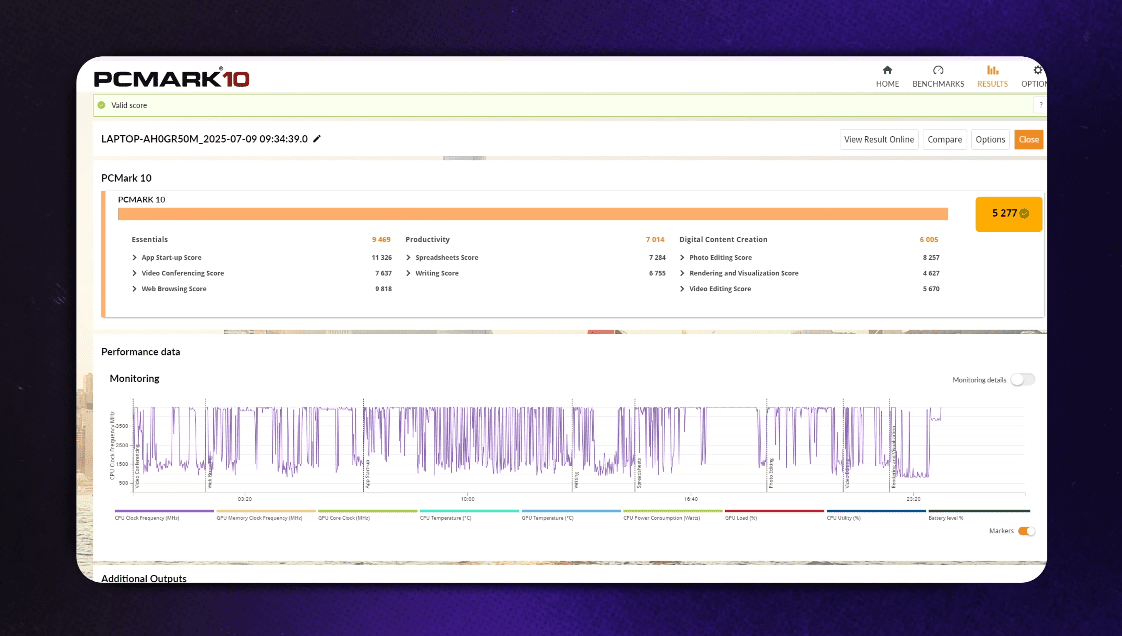
When it comes to benchmarks, the Lenovo IdeaPad 3 14 does much better than other cheap computers. It performed better than many other laptops in the same price range on productivity tests like PCMark 10 and Geekbench. The Ryzen 5 5500U’s outstanding CPU speed was helped by its six-core architecture, as shown by its Cinebench R23 score.
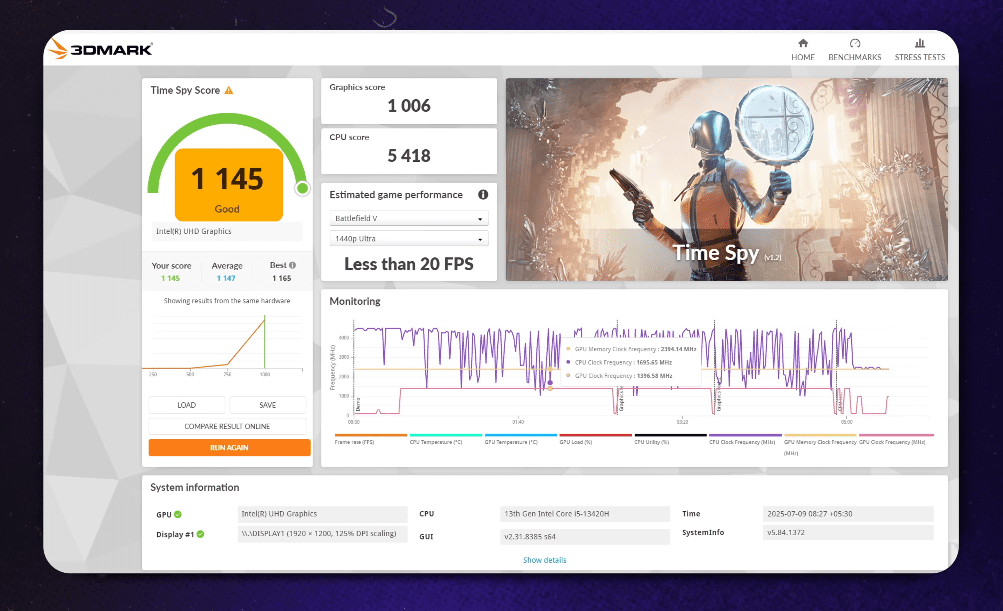
However, the IdeaPad 3 14 isn’t good enough when it comes to images and games. It’s great for light photo editing and playing videos, but it’s not great for gaming or other jobs that use many resources. The laptop did badly on 3DMark and GFXBench 5.0, and the built-in AMD Radeon graphics aren’t good enough for demanding apps.
What are the pros and cons?
PROS:
- With 8 GB of RAM and an AMD Ryzen 5 5500U processor, it’s easy to do everyday things.
- This low-cost laptop has great features like a fingerprint reader, Wi-Fi 6, and a USB-C connector.
- The laptop is well-made and stands out in the cheap laptop market with its stylish look.
- You can use it for more than 10 hours on a single charge.
CONS:
- You’ll need to use headphones or external speakers to get a satisfactory listening experience because the sound quality is so bad.
- It’s not the brightest or most lively screen, but it works fine.
Conclusion: A Strong Contender in the Budget Market
And even though it’s cheap, the Lenovo IdeaPad 3 14 is forceful. It is a great choice for everyday use because it is reasonably priced, well-built, has a nice keyboard, and works quickly and efficiently. The IdeaPad 3 14 is a great choice for a cheap laptop, despite having some drawbacks such as subpar speakers and a lacklustre display.
The Lenovo IdeaPad 3 14 is an affordable and powerful laptop, priced at just $519. If you need a computer for school, work, or just for fun, the IdeaPad 3 14 is a powerful and safe choice.