7 Top-Rated AI Image Generators for Non-Professionals
Creating captivating visual content is no longer the exclusive domain of professional designers or photographers. Whether you’re a small business owner, a social media enthusiast, a blogger, or simply someone looking to add a creative spark to your personal projects, the need for engaging imagery is constant. The challenge, however, often lies in the cost, time, and skill required to produce such visuals from scratch.
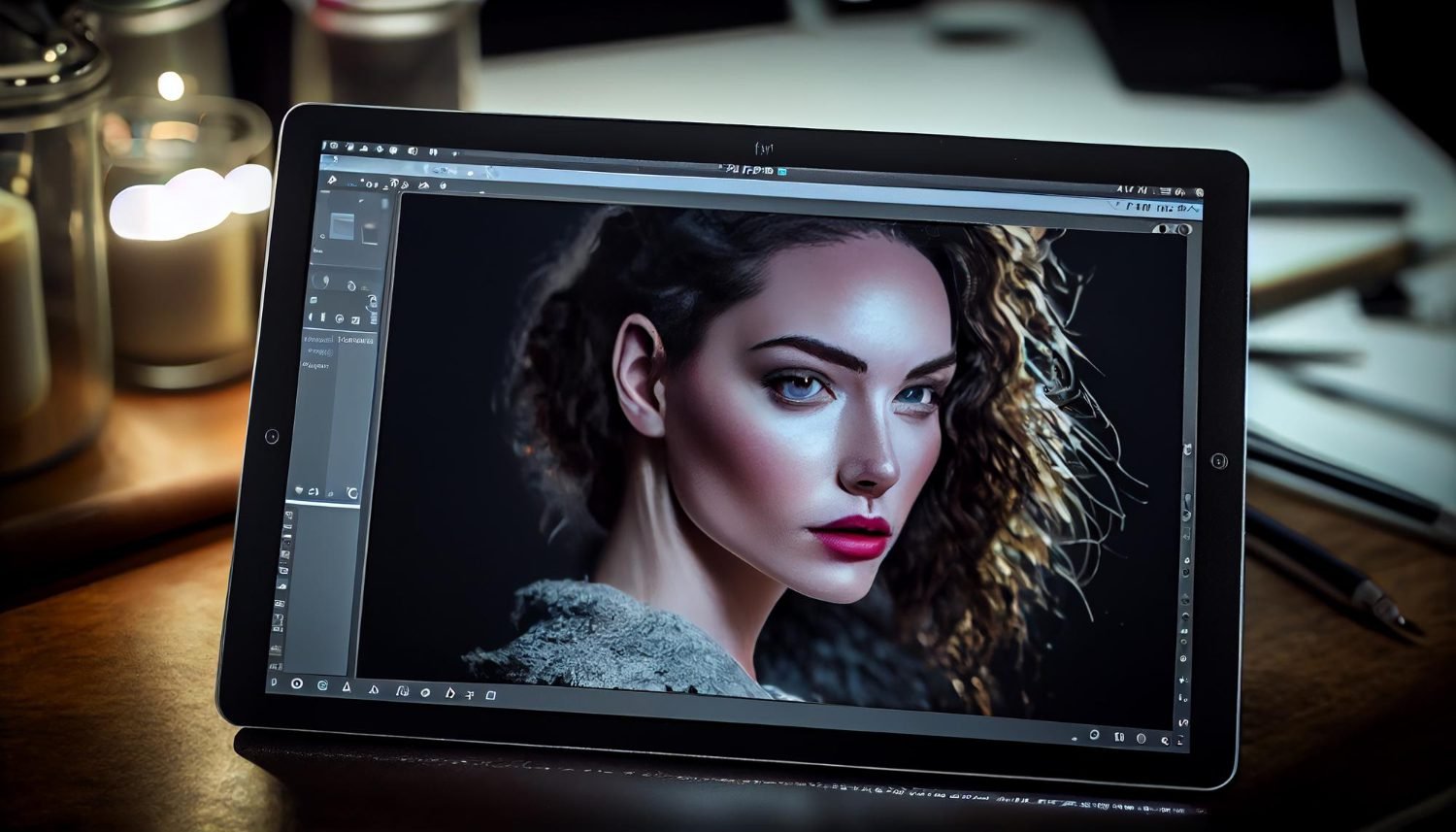
Fortunately, AI image generators have emerged as a powerful, accessible solution. These innovative tools allow anyone to transform simple text descriptions into stunning, unique images in a matter of seconds.
The Best 7 AI Image Generators for Non-Professionals
Here are seven top-rated AI image generators that are particularly well-suited for non-professionals, with a focus on ease of use and practical applications.
1. Pollo AI
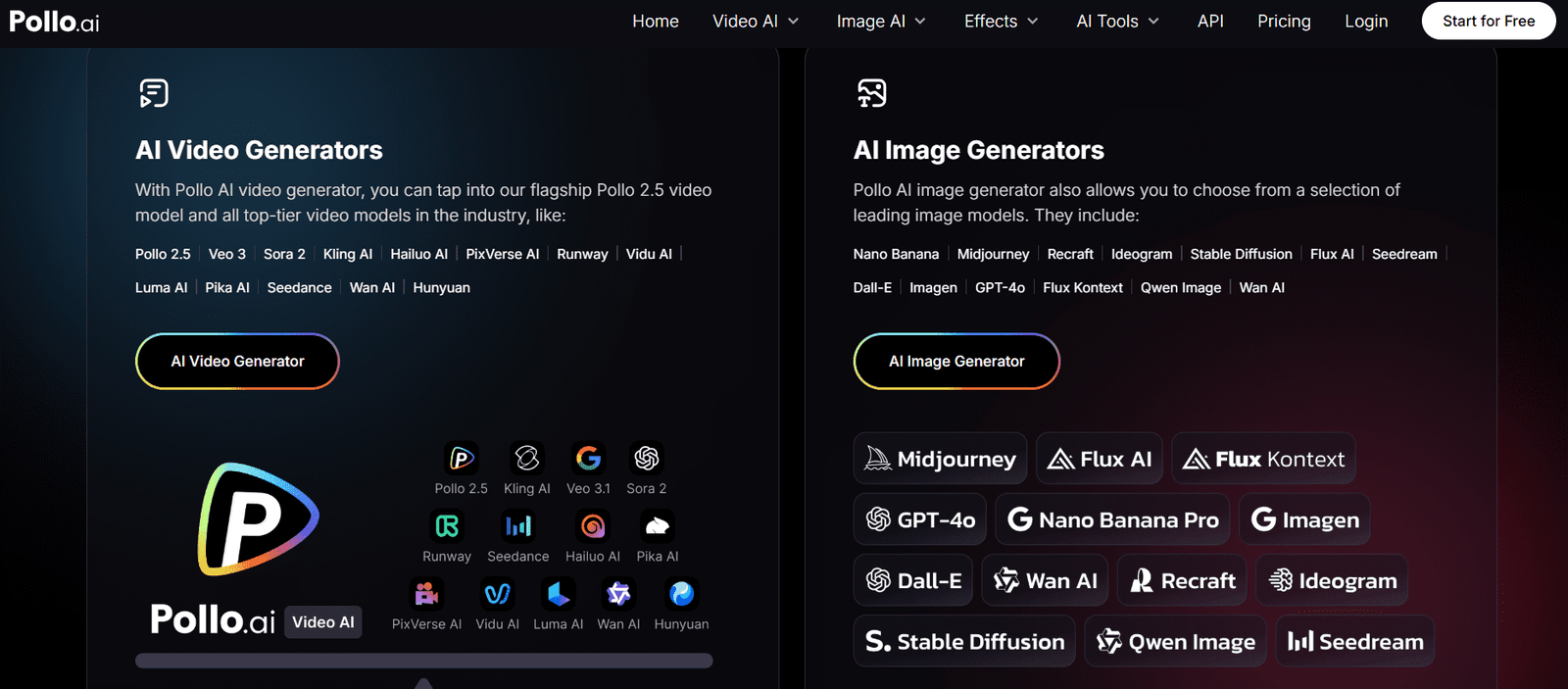
Pollo AI stands out as an AI image generator built for content creators, thanks to its emphasis on user-friendliness and rapid content creation. It excels at taking text prompts and generating relevant, high-quality images with minimal fuss. For individuals who need visuals quickly for social media posts, blog headers, or marketing materials, Pollo AI offers a straightforward interface that guides you through the process. You can choose from various artistic styles, ensuring the output aligns with your aesthetic preferences, and the platform often provides options for refining images based on initial results.
A significant advantage for busy non-professionals is its dedicated app, allowing for seamless image generation and management directly from your smartphone or tablet. This means you can create captivating visuals on the go, anytime, anywhere, integrating visual content creation effortlessly into your daily workflow. Pollo AI makes the complex process of AI image generation feel intuitive and accessible, truly empowering anyone to become a visual creator.
2. Midjourney
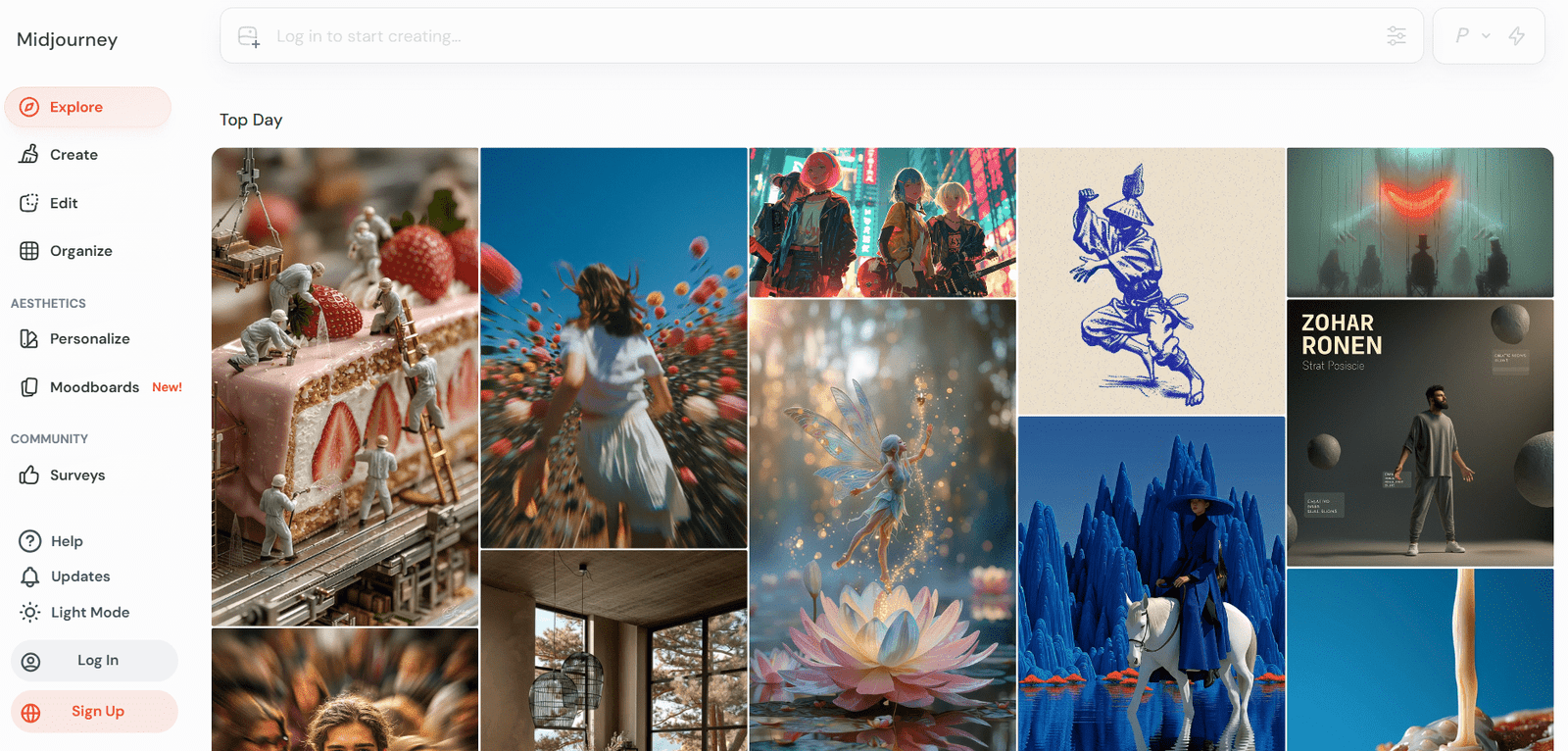
Midjourney has gained significant traction for its exceptional ability to produce stunning, often artistic, and aesthetically pleasing images. While it operates primarily through a Discord bot interface, which might initially seem unconventional, the community and the quality of its output make it a highly valuable tool for non-professionals willing to learn its prompt structure. Users type commands into Discord channels, and Midjourney generates images in response.
Its strength lies in generating highly imaginative and visually rich artwork, making it perfect for creative projects, concept art, unique social media visuals, or simply exploring artistic ideas. While it might have a slightly steeper learning curve than some browser-based tools, the results often speak for themselves, offering a distinct visual style that can truly make your content stand out.
3. Bing Image Creator (Powered by DALL-E 3)
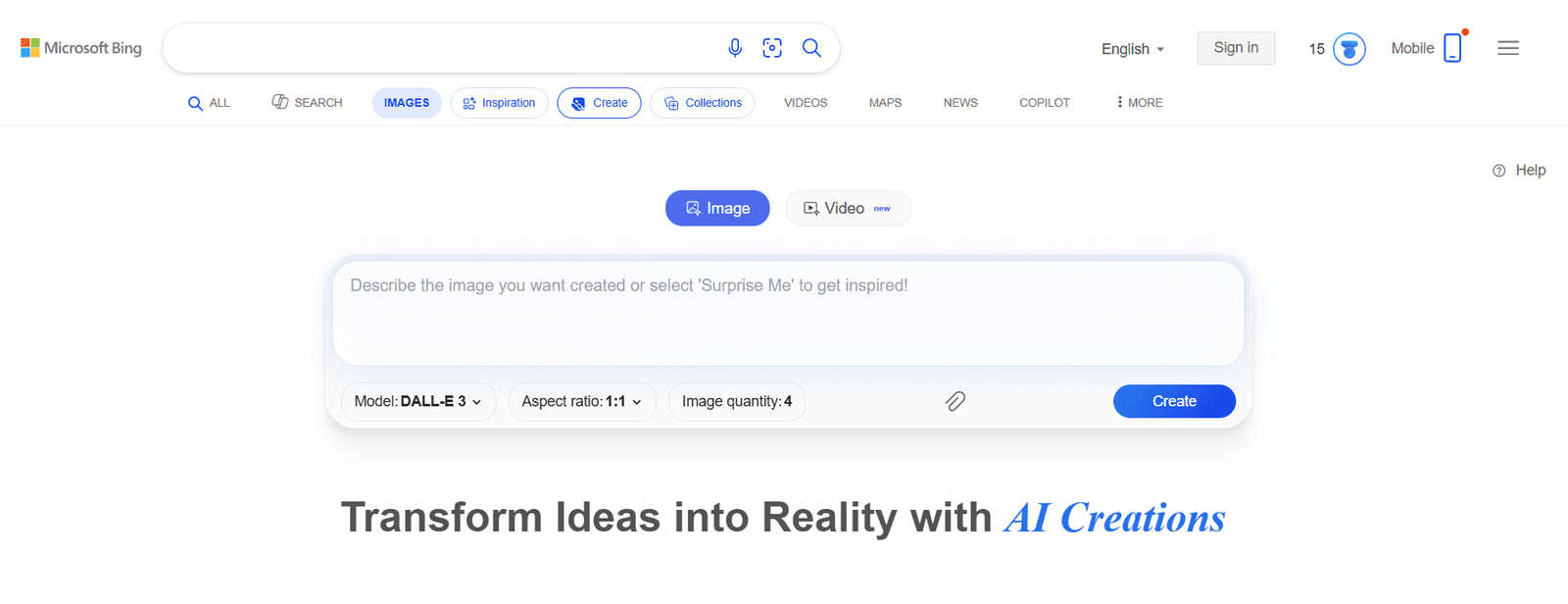
For anyone with a Microsoft account, Bing Image Creator offers a completely free and remarkably powerful AI image generation experience, leveraging OpenAI’s DALL-E 3 technology. This tool is known for its ability to understand complex prompts and generate highly coherent and contextually accurate images. It’s particularly good at including text within images, something many other AI generators struggle with.
Its user interface is clean and straightforward: you type your prompt, and it generates four image variations. The results often feel natural and realistic, making it ideal for creating images for presentations, digital art, or even just exploring creative ideas. The fact that it’s free and accessible through a web browser makes it a top choice for individuals experimenting with AI art without any financial commitment.
4. DALL-E 3
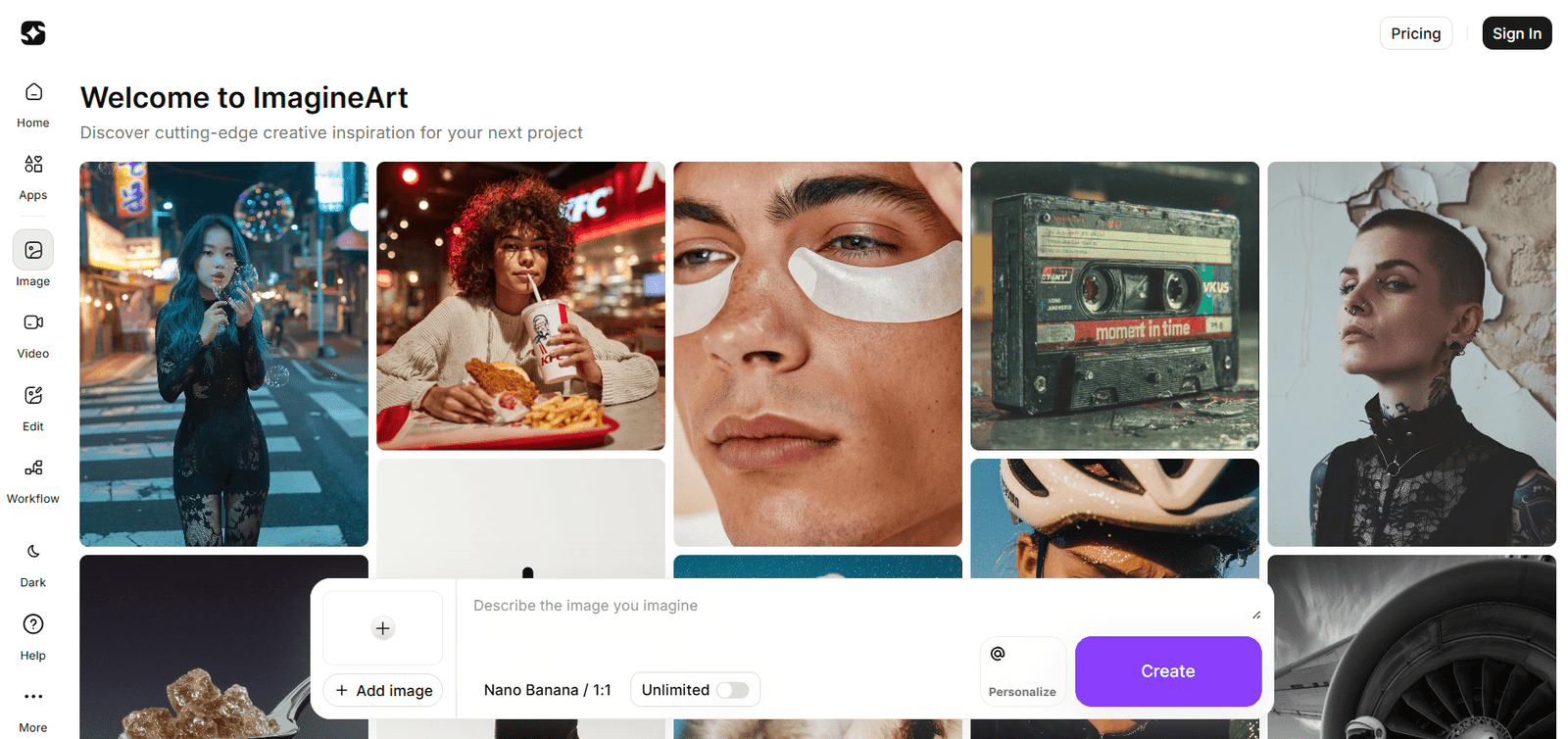
While not a standalone image generator in the same vein as some others, DALL-E 3, accessible through a ChatGPT Plus subscription, is an incredibly powerful tool for non-professionals who also use ChatGPT for writing or research. The integration means you can have a natural language conversation with the AI, asking it to generate and refine images based on your evolving ideas.
Its ability to interpret nuanced language and produce detailed, high-quality images is exceptional. You can describe intricate scenes, specific styles, and complex compositions, and DALL-E 3 often delivers. The conversational aspect makes the creative process highly interactive, almost like working with a digital art assistant, which can be less intimidating for those new to prompt engineering.
5. Stable Diffusion
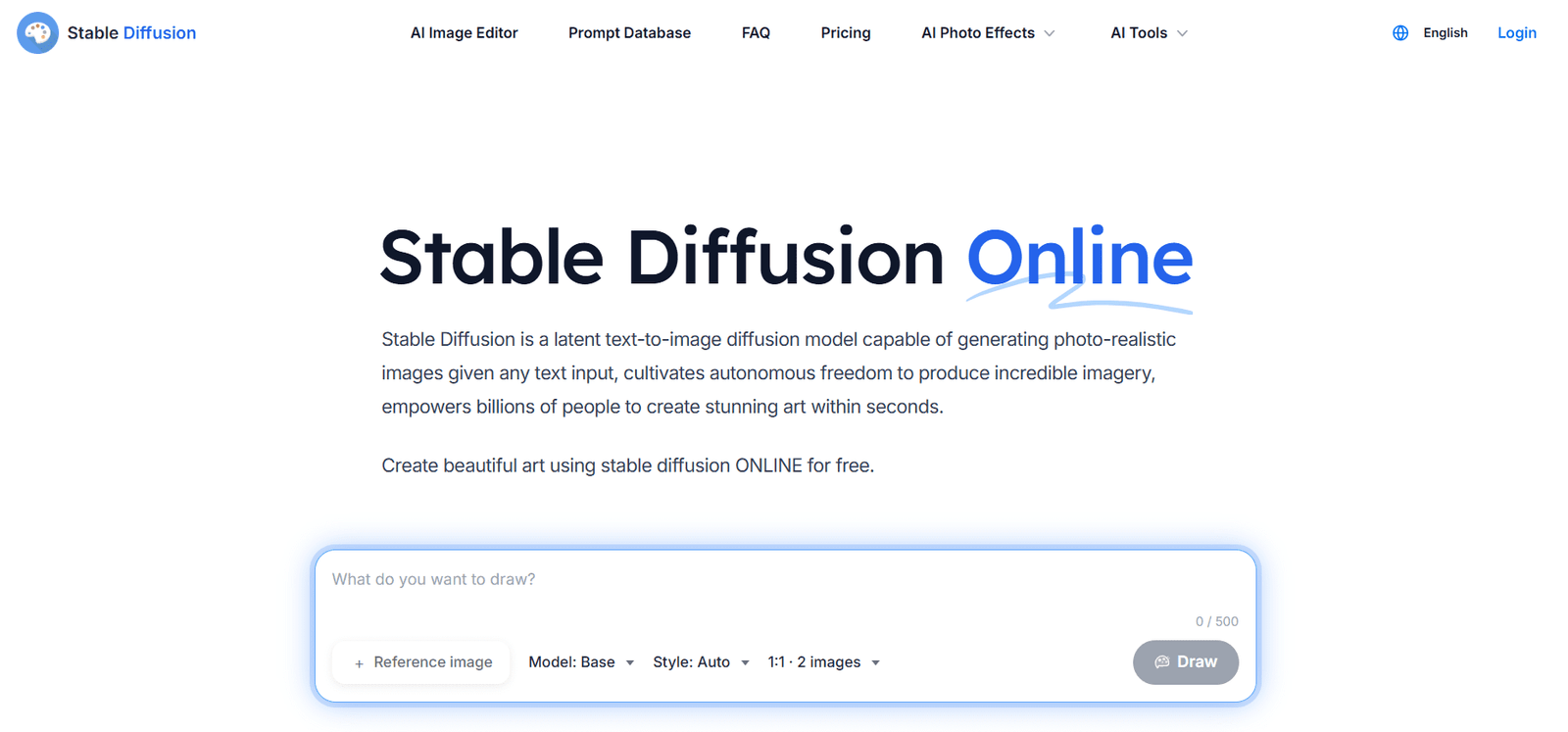
Stable Diffusion is an open-source AI model, which means it powers numerous online interfaces and apps, making it highly versatile and accessible. While the core model can be complex, many user-friendly websites (like Lexica.art, Playground AI, or DreamStudio) offer Stable Diffusion functionality with simplified controls. These platforms allow non-professionals to generate a wide range of images, from realistic photos to abstract art and fantasy scenes.
The beauty of Stable Diffusion through these interfaces is the sheer variety of styles and the level of customization available. Many platforms offer sliders and presets for different artistic styles, ensuring you can achieve your desired aesthetic without needing to understand the underlying technical details. It’s a great option for those who want a bit more control and variety in their AI art without delving into complex settings.
6. Adobe Firefly
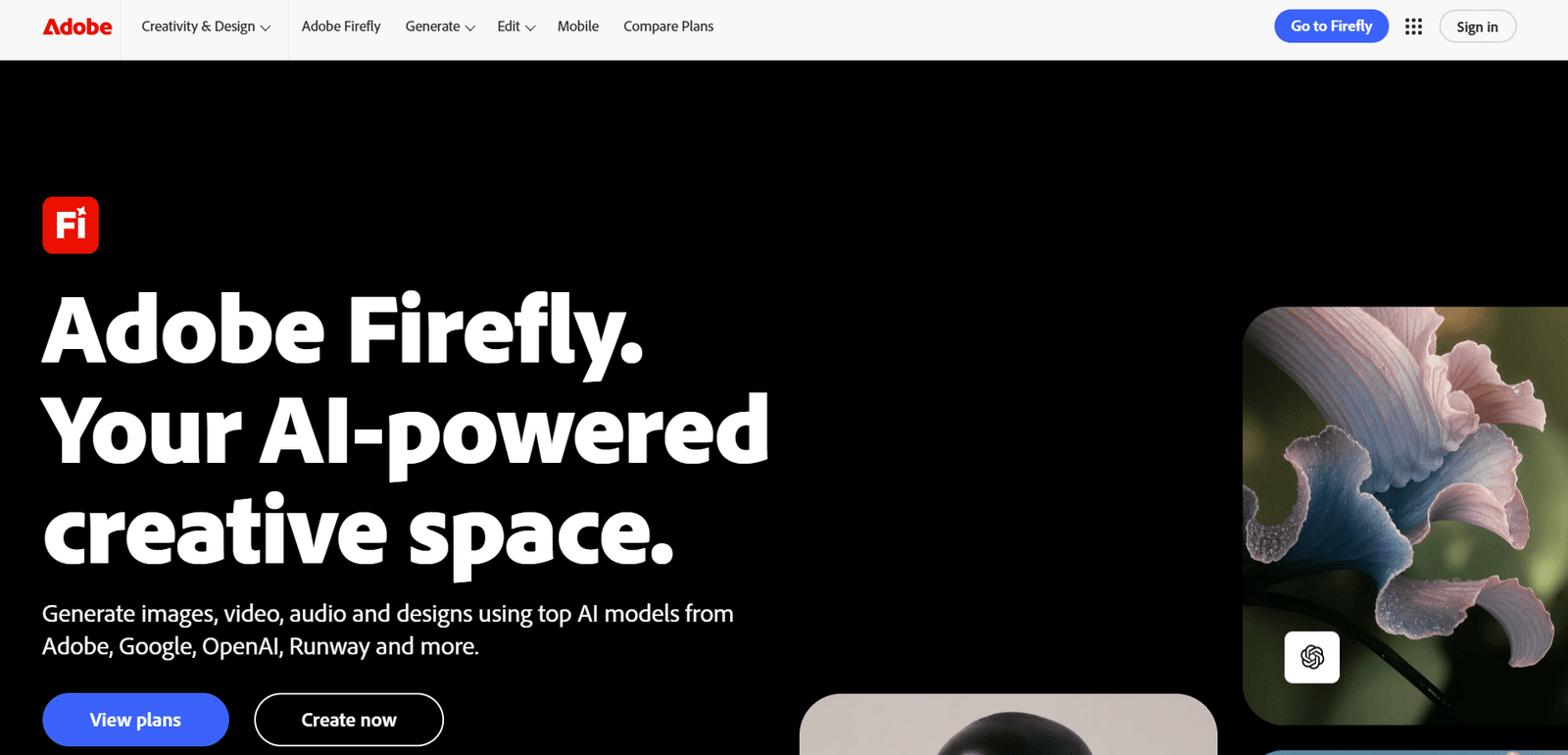
Adobe Firefly is Adobe’s venture into generative AI, specifically designed to integrate seamlessly into their existing creative cloud ecosystem. While many Aditroducts are Creative Cloud-grade, Firefly is built with accessibility in mind, particularly for creative tasks like text-to-image. It’s known for its commitment to ethical AI, training on Adobe Stock and public domain content, which can be a relief for commercial users concerned about copyright.
Firefly allows users to generate images from text, apply different artistic styles, and even perform more advanced tasks like text effects or generative fill (where AI fills in parts of an image). Its clean interface and clear categorization of styles make it easy for non-professionals to navigate and create polished visuals that fit various creative projects, from graphic design to digital marketing.
7. Canva
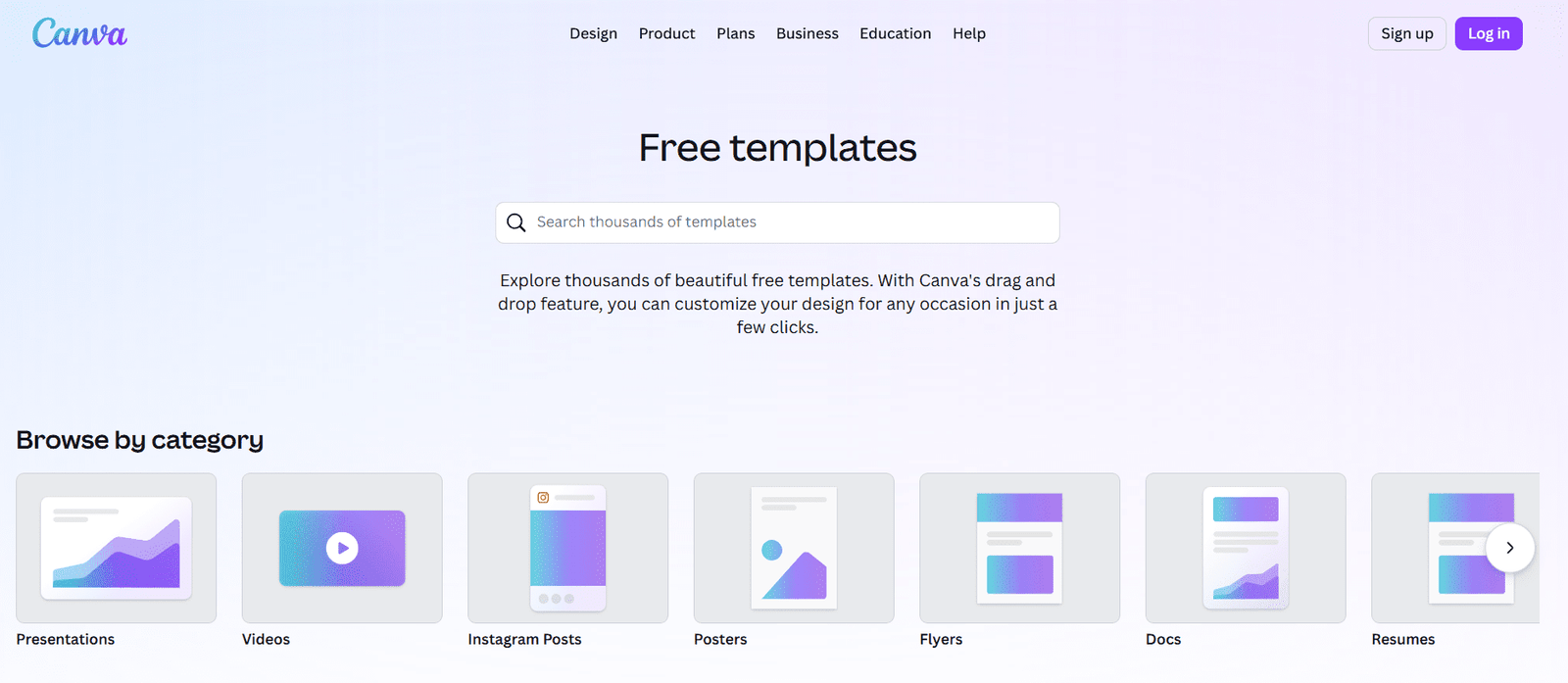
Canva has already revolutionized graphic design for non-professionals, and its integrated Text to Image feature extends that accessibility to AI art. If you’re already familiar with Canva’s drag-and-drop interface, integrating AI-generated images into your existing designs is incredibly intuitive. You simply type in your description, and the AI produces several image options, which you can then immediately drop into your flyers, social media graphics, presentations, or posters.
The strength of Canva’s offering lies in its ecosystem. You can generate an image, then use Canva’s extensive suite of editing tools, templates, and elements to refine it, add text, or combine it with other visuals. This makes it an all-in-one solution for those who need to generate images and then incorporate them into a larger design project without switching between multiple platforms.
Embrace Your Inner Artist
The rise of AI image generators marks a significant moment for creativity, putting powerful visual creation tools directly into the hands of everyone. These platforms alleviate the common barriers of skill, cost, and time, allowing non-professionals to easily generate unique, compelling images for any purpose. Whether you’re enhancing your online presence, sprucing up a presentation, or simply exploring your artistic side, these top-rated tools provide an accessible gateway to the exciting world of AI-generated art. Experiment with a few, find one that resonates with your workflow, and start transforming your ideas into stunning visuals today.