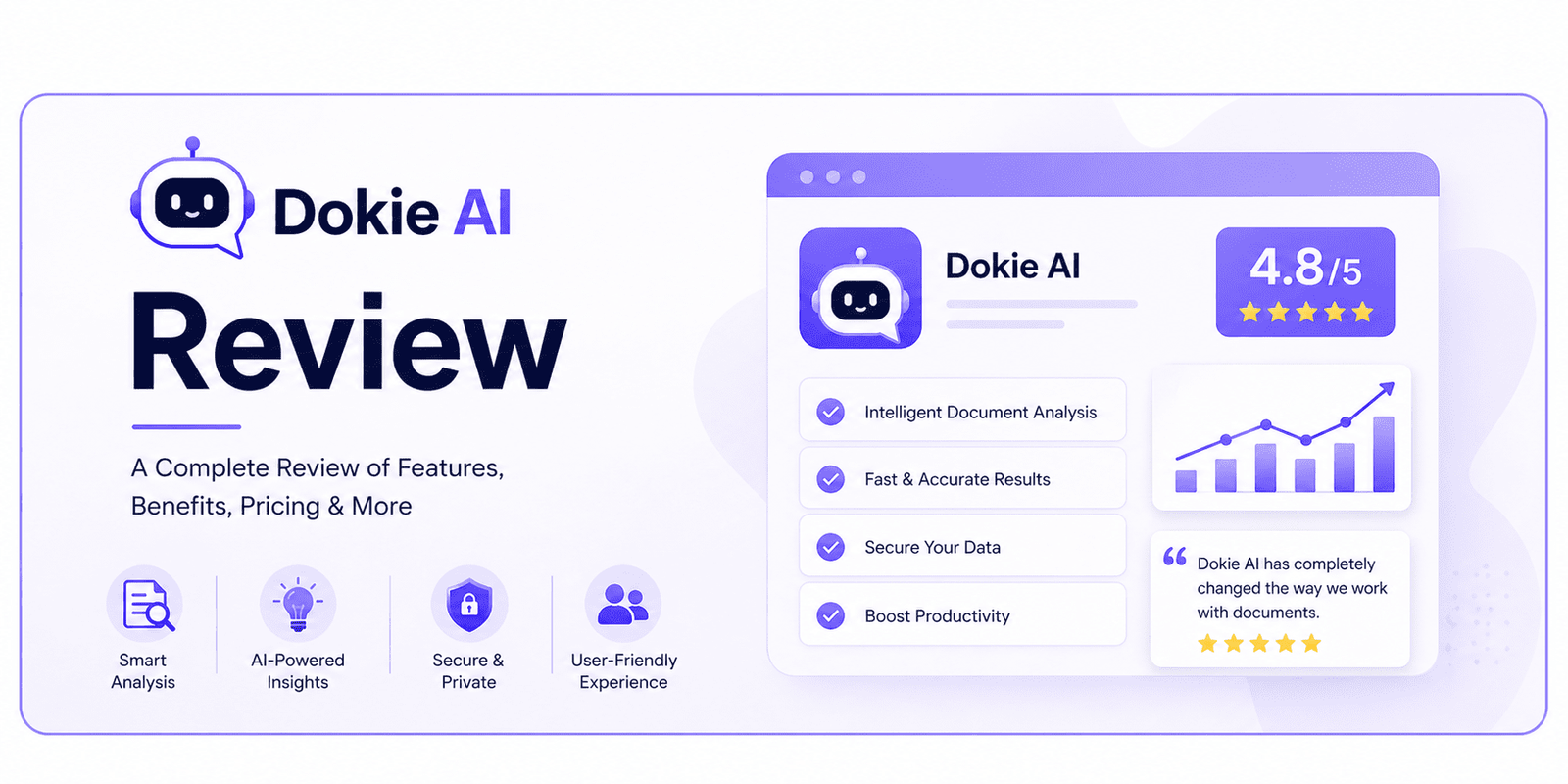
Dokie AI Review: A Practical AI Presentation Maker for Work, Study, and Business
- 1 What Is Dokie AI?
- 2 Main Features of Dokie AI
- 2.1 AI-Powered PPT Creation
- 2.2 Ready-Made PPT Templates
- 2.3 Free PPT Tools
- 2.4 Editable Presentation Output
- 3 Dokie AI for Different Use Cases
- 3.1 Business Presentations
- 3.2 Marketing Presentations
- 3.3 Pitch Decks
- 3.4 Education and Training Slides
- 3.5 Technology and SaaS Decks
- 3.6 Personal and Portfolio Presentations
- 3.7 Infographic Presentations
- 4 Pros of Dokie AI
- 4.1 It Saves Time
- 4.2 It helps build a clear structure
- 4.3 It Has Many Template Categories
- 4.4 It Supports File-to-PPT Workflows
- 4.5 It Is Practical for Office Work
- 5 Cons of Dokie AI
- 5.1 AI Content Still Needs Review
- 5.2 High-Stakes Decks May Need Manual Polish
- 5.3 Better Input Leads to Better Output
- 6 Dokie AI vs. Other AI Presentation Makers
- 7 Who Should Use Dokie AI?
- 8 Final Verdict
Creating a presentation is not only about making slides look nice. A strong deck needs clear logic, useful content, and a structure that helps the audience understand your message.
This is why many people spend more time planning a presentation than designing it. You may have the topic, notes, or source materials ready, but turning them into a clear deck can still take hours.
Dokie AI is built to solve this problem. It helps users create PPT presentations from prompts, documents, and existing content. Instead of starting with a blank slide, users can generate a first draft, choose a suitable template, and then edit the deck based on their needs.
In this Dokie AI review, we will look at what Dokie AI does, how its templates work, who should use it, and whether it is a good AI PPT maker for real presentation workflows.
What Is Dokie AI?
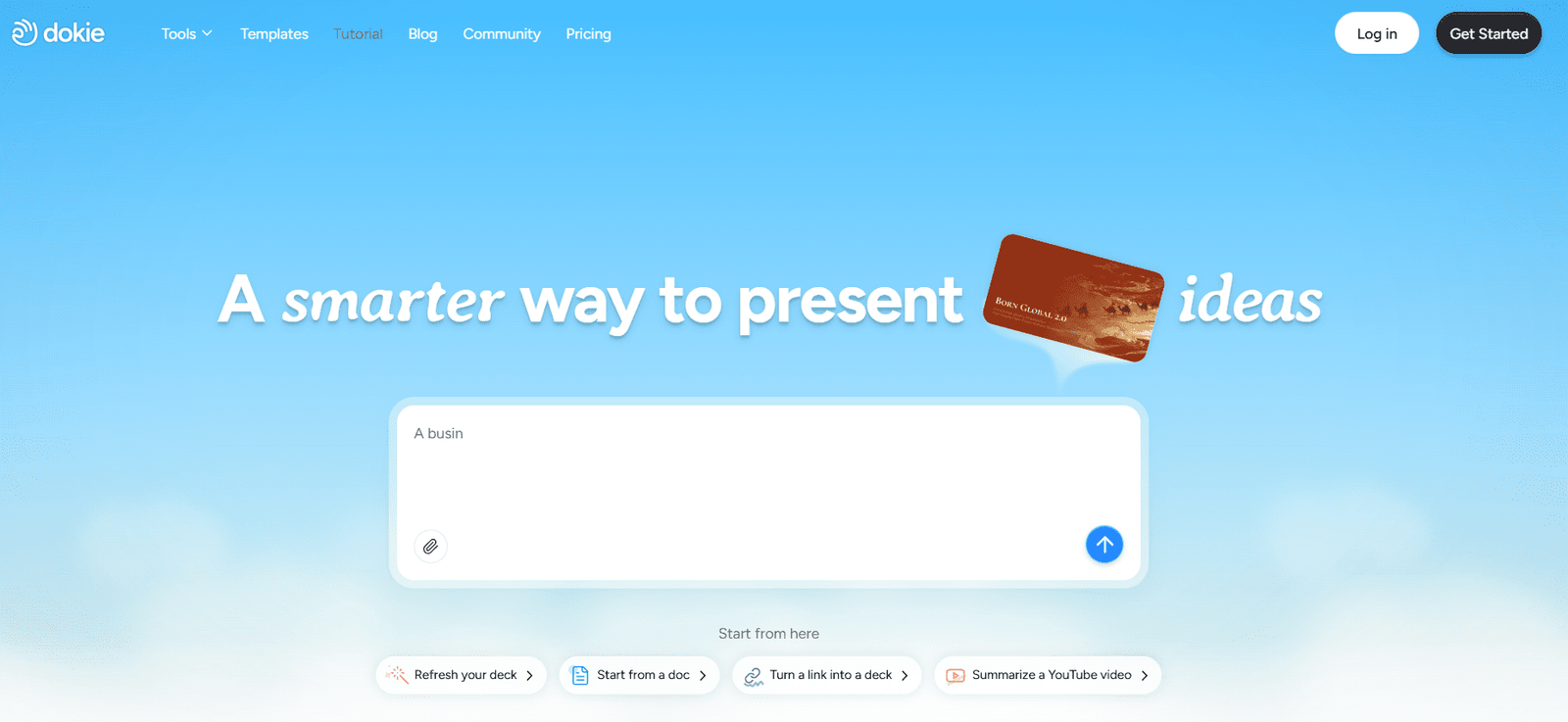
Dokie AI is an AI PPT maker that helps users create presentations faster. It can generate slide decks based on a topic, prompt, document, or other input.
The main goal of Dokie AI is to reduce the time spent on the early stage of presentation creation. This includes building the outline, arranging sections, choosing a layout, and creating a basic deck structure.
For many users, the hardest part of making slides is not changing fonts or colors. It is deciding what the deck should say and how each slide should connect to the next one. Dokie AI helps by creating a structured first version that users can continue editing.
This makes it useful for:
- Business reports
- Marketing decks
- Pitch decks
- Class presentations
- Training slides
- Product updates
- Client proposals
- Research summaries
- Personal portfolios
- Infographic slides
Dokie AI is especially helpful for people who create presentations often and want to save time without losing structure.
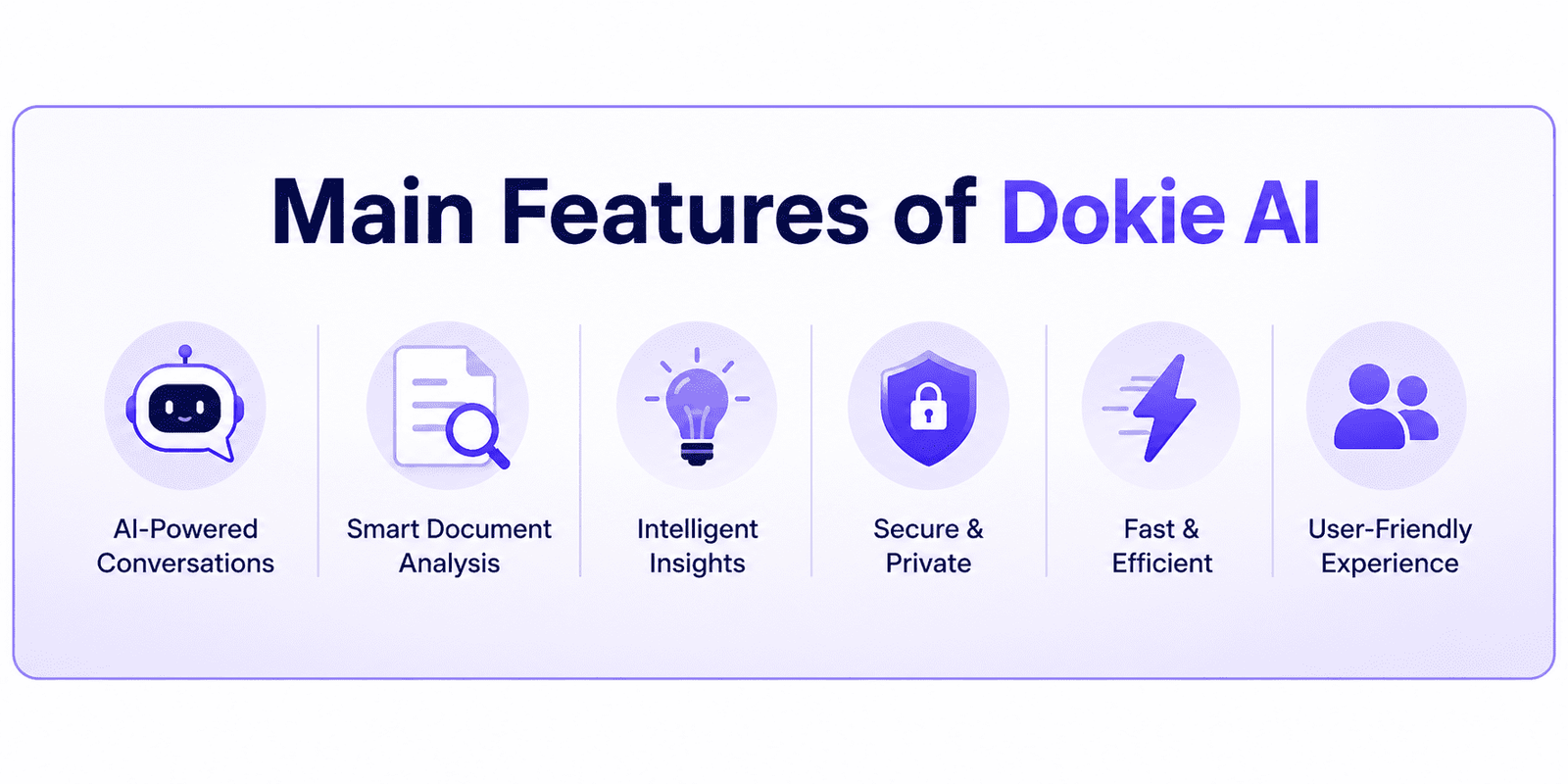
Main Features of Dokie AI
AI-Powered PPT Creation
Dokie AI can help users turn a simple idea into a complete presentation draft. You can enter a topic, provide a prompt, or use existing content, and the tool can generate a deck with a clear flow.
For example, if you need a presentation about “2026 Marketing Strategy,” Dokie AI can help create slides around goals, market background, audience insights, channel plans, budget, timeline, and next steps.
This is useful because it gives users a starting point quickly. You do not need to stare at a blank slide and think about what to write first.
The generated deck is still editable. You can change the wording, add your own data, remove sections, adjust layouts, and polish the final version.
Ready-Made PPT Templates
Dokie AI offers many PPT templates for different presentation needs. This is one of its strongest features because users do not always need the same type of deck.
A business update, a student project, a product roadmap, and a medical training presentation all need different styles. Dokie AI’s template library helps users start from a design and structure that fits the purpose of the deck.
The All category is for users who want to browse the full template library and compare different styles before choosing one.
The Business category is suitable for company reports, strategy decks, project updates, team meetings, client presentations, and performance reviews.
The Education category is useful for teachers, students, trainers, and course creators who need lesson slides, academic presentations, workshops, or class projects.
The Marketing category works well for campaign plans, SEO reports, social media strategies, influencer marketing updates, brand decks, and growth presentations.
The Medical category is designed for healthcare reports, health education, medical training, patient education, and medical research summaries.
The Technology category is useful for SaaS decks, AI product introductions, product roadmaps, software launch plans, technical reports, and startup presentations.
The Pitch Deck category helps founders and business teams create fundraising decks, investor presentations, startup pitches, and business proposals.
The About Me category is good for personal introductions, portfolio decks, student profiles, resumes, creator media kits, and personal branding presentations.
The Infographics category helps users explain data, timelines, processes, workflows, comparisons, and research findings in a more visual way.
These categories make Dokie AI more flexible. Users can choose a template based on the actual purpose of the presentation, instead of forcing one general style into every deck.
Free PPT Tools
Dokie AI also provides free PPT tools that help users convert different types of content into presentations.
These tools include PDF to PPT, Word to PPT, Text to PPT, Excel to PPT, JPG to PPT, PNG to PPT, HTML to PPT, and DOC to PPT.
This is useful because many presentations start from existing materials. You may already have a PDF report, a Word document, an Excel file, a text outline, a group of images, or an HTML page. Instead of copying everything manually into PowerPoint, Dokie AI’s PPT tools can help turn that content into a presentation format faster.
This makes Dokie AI useful not only for creating slides from scratch, but also for repurposing existing content into slides.
Editable Presentation Output
A good AI presentation maker should not create a locked final result that is hard to change. Users still need control over their slides.
Dokie AI creates decks that users can edit and improve. This matters because AI-generated presentations usually need human review. You may need to add real numbers, adjust the tone, remove repeated ideas, or make the design match your brand.
Dokie AI works best as a strong first-draft tool. It helps you get the base deck quickly, then you can refine it for your final use.
Dokie AI for Different Use Cases
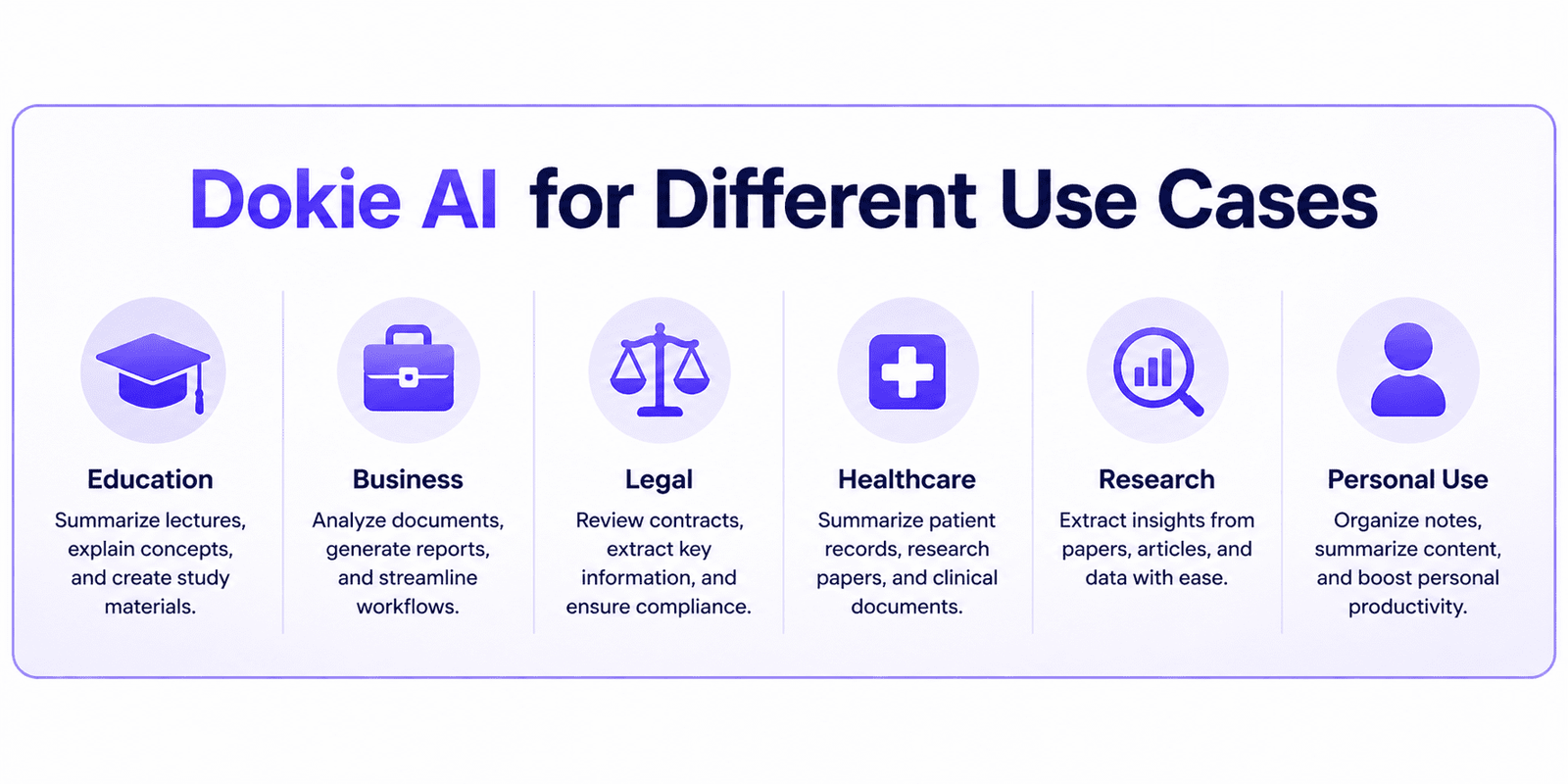
Business Presentations
Dokie AI is a strong fit for business presentations because it focuses on clear structure.
Business decks usually need to support decisions. They need to explain what happened, why it matters, what the data shows, and what should happen next.
You can use Dokie AI for weekly reports, monthly business reviews, company updates, project summaries, market analysis, client presentations, and strategy planning.
For example, a weekly report deck can include progress, key metrics, blockers, learnings, and next steps. A strategy deck can include background, goals, market insights, action plans, timeline, and expected results.
Dokie AI helps users organize these sections faster.
Marketing Presentations
Marketing teams often need to create many decks. These may include SEO reports, campaign reviews, launch plans, influencer marketing proposals, social media strategies, and growth experiment summaries.
Dokie AI can help marketers turn scattered notes into a clearer presentation. Instead of building every section manually, users can generate a first draft and then add campaign data, screenshots, charts, and insights.
This is useful for both internal reports and client-facing presentations.
Pitch Decks
Pitch decks need a clear story. A good pitch deck should explain the problem, solution, market opportunity, product, business model, traction, team, and future plan.
Dokie AI’s Pitch Deck templates can help founders start with a more complete structure. This is useful for early-stage teams that need to prepare investor decks, business proposals, or startup presentations quickly.
Of course, founders still need to add real traction data, financial numbers, product screenshots, and a strong narrative. But Dokie AI can help reduce the time spent building the first version.
Education and Training Slides
Teachers, students, and trainers can use Dokie AI to create lesson slides, student projects, workshops, research presentations, and training materials.
Education slides need to be easy to follow. They should explain ideas step by step and avoid too much clutter.
Dokie AI can help organize learning content into a cleaner structure, making it easier for the audience to understand the topic.
Technology and SaaS Decks
Technology presentations often need to explain complex ideas in simple language. This can be hard when the topic includes AI, software, data, product features, or technical workflows.
Dokie AI’s Technology templates can help users create product decks, SaaS introductions, technical reports, product roadmaps, launch plans, and market trend presentations.
This makes it useful for founders, product managers, marketers, and teams working in tech.
Personal and Portfolio Presentations
The About Me category is useful for personal introductions, portfolio decks, student profiles, freelancer presentations, resumes, and creator media kits.
These decks are useful when you want to present yourself in a clear and visual way. Dokie AI can help organize your background, skills, experience, projects, and contact information into a professional-looking deck.
Infographic Presentations
Infographic templates are useful when you need to explain information visually.
Instead of using long paragraphs, you can use infographic slides to show timelines, processes, comparisons, workflows, data summaries, and key findings.
This is useful for business, education, marketing, research, and internal reports.
Pros of Dokie AI
It Saves Time
Dokie AI helps users create a first draft quickly. This is useful for anyone who needs to make presentations often.
It helps build a clear structure
Dokie AI is good at turning ideas into a more organized deck. This is especially useful for business reports, marketing plans, pitch decks, and training slides.
It Has Many Template Categories
Dokie AI provides templates for Business, Education, Marketing, Medical, Technology, Pitch Deck, About Me, and Infographics. These categories help users start from a better template for their use case.
It Supports File-to-PPT Workflows
The free PPT tools are useful for users who already have source materials. PDF to PPT, Word to PPT, Text to PPT, Excel to PPT, JPG to PPT, PNG to PPT, HTML to PPT, and DOC to PPT can help users turn existing content into slides faster.
It Is Practical for Office Work
Dokie AI is useful for real work scenarios such as reports, meetings, proposals, project updates, and client presentations.
Cons of Dokie AI
AI Content Still Needs Review
Dokie AI can generate a helpful first draft, but users should still check facts, numbers, wording, and logic before using the deck.
High-Stakes Decks May Need Manual Polish
For investor presentations, major sales decks, brand campaigns, or executive reports, users may still need to improve the design and story by hand.
Better Input Leads to Better Output
Like most AI tools, Dokie AI works better when the prompt or source content is clear. If the input is too vague, the output may also be general.
Dokie AI vs. Other AI Presentation Makers
Many AI presentation makers can create slides quickly, but they do not always fit the needs of real PPT users.
Some tools are better for web-style documents. Some are better for visual storytelling. Some are good for quick idea sharing but may need more editing before a real meeting.
Dokie AI is different because it focuses more on structured, editable, PPT-style presentations. This makes it a good option for users who need decks for work, school, business, or client communication.
Dokie AI is a strong choice if you want:
- A clear presentation structure
- Editable PPT-style slides
- Ready-made templates for different scenarios
- Tools for turning existing content into PPT
- A fast way to create a useful first draft
- A presentation workflow that fits business use
It may not be the best choice if you only want highly artistic slides with heavy custom design. But for practical presentation needs, Dokie AI is a strong and useful tool.
Who Should Use Dokie AI?
Dokie AI is best for users who create presentations often and want to save time.
Office workers can use it for reports, meetings, project updates, and business reviews.
Marketers can use it for campaign plans, SEO reports, influencer marketing decks, and growth summaries.
Founders can use it for pitch decks, investor updates, product decks, and business proposals.
Teachers and students can use it for lessons, class projects, training decks, and research presentations.
Consultants and agencies can use it for client decks, proposals, audit reports, and strategy presentations.
Creators and freelancers can use it for portfolios, media kits, personal introductions, and service presentations.
Final Verdict
Dokie AI is a practical AI PPT maker for users who want to create presentations faster without losing structure.
Its main strengths are AI-powered deck generation, useful PPT template categories, editable output, and free PPT tools. The template library covers common needs such as Business, Education, Marketing, Medical, Technology, Pitch Deck, About Me, and Infographics.
Dokie AI is especially useful for people who need work-ready presentations, such as business users, marketers, founders, teachers, students, consultants, agencies, and product teams.
It is not a replacement for human thinking. You still need to review the content, add real data, and polish important slides. But it can save a lot of time and make the presentation process much easier.
For anyone who often starts from a blank PPT and feels stuck, Dokie AI is worth trying.
FAQs
1. What is Dokie AI?
Dokie AI is an AI presentation maker that helps users create PPT slides from prompts, topics, documents, and existing content.
2. Does Dokie AI have PPT templates?
Yes. Dokie AI offers many PPT templates, including Business, Education, Marketing, Medical, Technology, Pitch Deck, About Me, and Infographics templates.
3. Is Dokie AI good for business presentations?
Yes. Dokie AI is useful for business reports, strategy decks, project updates, client presentations, and meeting slides.
4. Can Dokie AI help create pitch decks?
Yes. Dokie AI provides Pitch Deck templates that can help founders create investor decks, startup presentations, and business proposals faster.
5. What free PPT tools does Dokie AI provide?
Dokie AI provides free PPT tools such as PDF to PPT, Word to PPT, Text to PPT, Excel to PPT, JPG to PPT, PNG to PPT, HTML to PPT, and DOC to PPT.